Strive welcomes you to 'Finance and Business Networking', London's hottest networking event! We are set in the perfect central location for all to join.
Are you interested in finance and business? Want to elevate your career? Meet Consultants, Analysts of all types, Bankers, Accountants, Lenders, Entrepreneurs, and more who are active in the space or are eager to get started.
**This will be a multi-vertical event**
There will be professionals with backgrounds in the arts, finance, tech, real estate, healthcare, and more. Come with an open mind, and leave with connections that wouldn't be possible otherwise!
Pack some business cards and come with an open mind!
Meet your future business partners, employers, coworkers, investors, and friends. You don't want to miss this opportunity to expand your network and create a brighter future.
We will have a space for our event to check-in.
The event will go from 6:00 PM - 8:00 PM(feel free to come at any point in this timeframe).
Name tags will be provided.
Business casual dress code. Job fair attire.
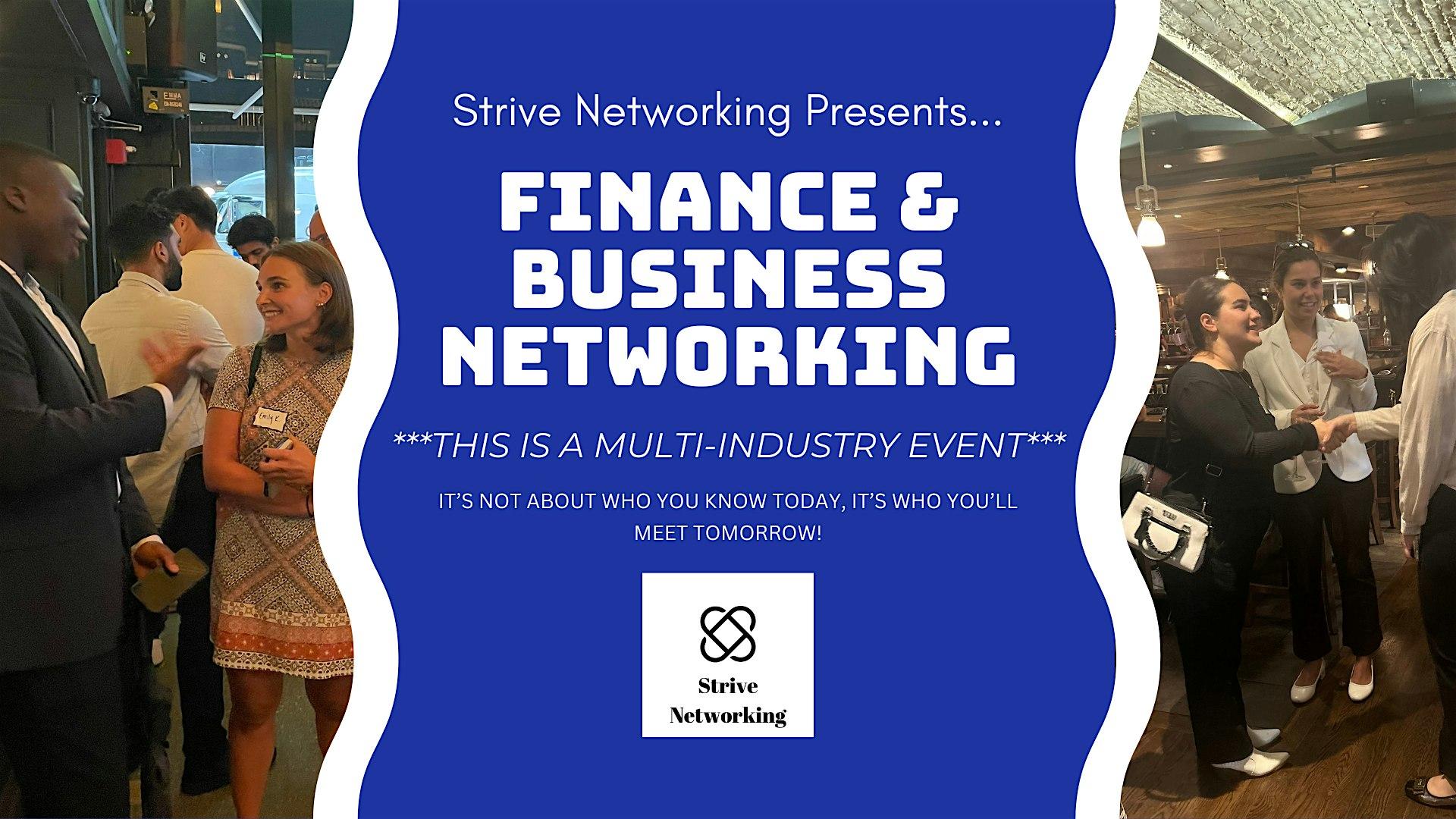
Remember - it's not about who you know today, it's who you'll meet tomorrow!
We look forward to meeting you at the event!
Sincerely,
Strive Networking Team
Refund requests are permitted up to 24 hours after purchase, so long as we are not within 48 hours before the event start time. Refunds will be made in full and repaid to your method of payment. Note that we are unable to reimburse for eventbrite fees.
Disclaimer: By attending Strive Networking events you agree to photos/videos taken during the event being used to promote future events.
_db33a8.png)


.thumb.png.9594b08ba898a6b0d0fa1576ea2c9574.thumb.png.3097220ace298f0faaab6884cd0ea0f5.png)

