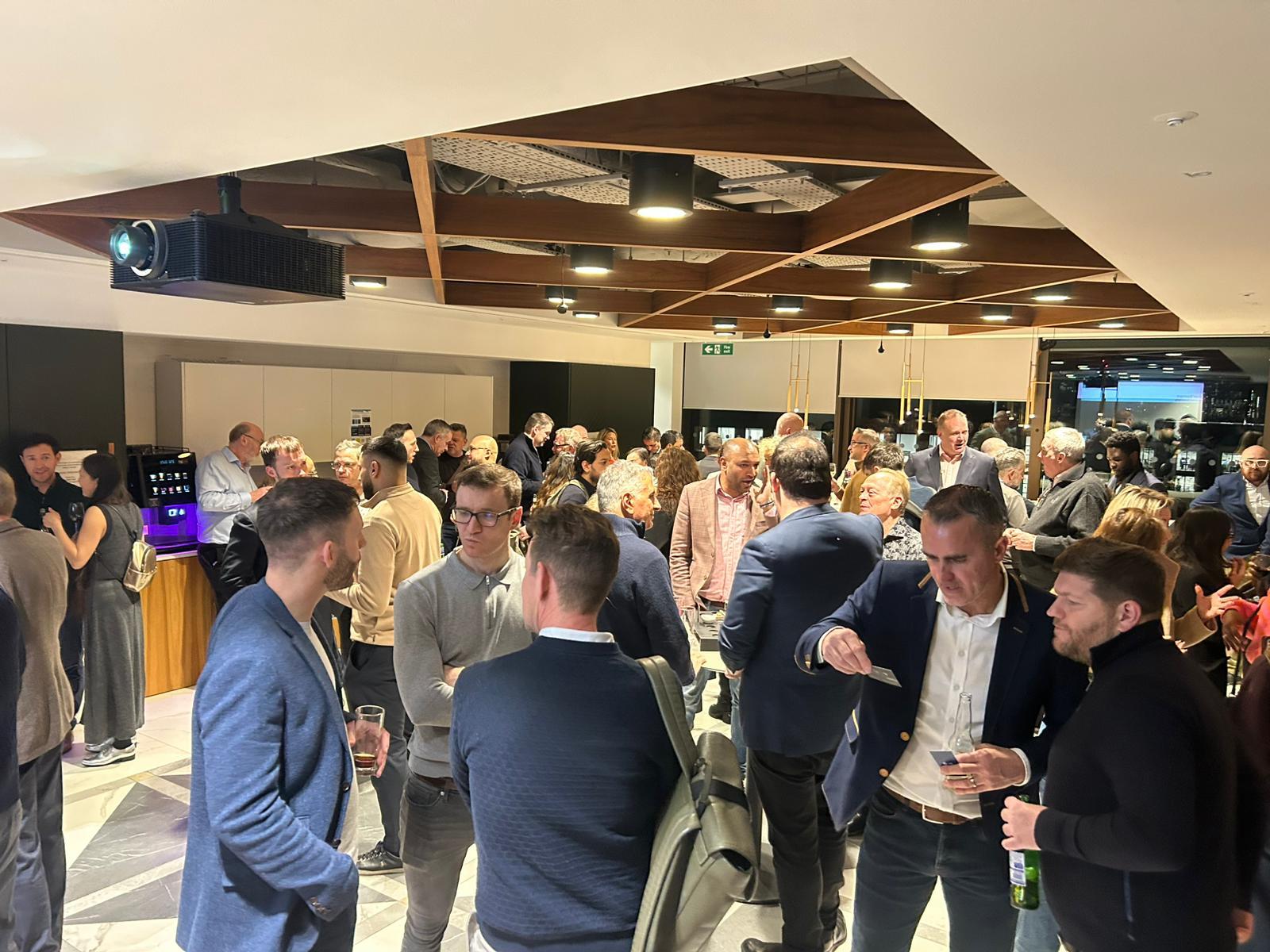
Meet 50+ founders, leaders and senior professionals for a relaxed evening of premium business networking in London.
BOOM Business Networking is designed for people who value real conversation over noisy rooms, and quality connections over forced pitching. It’s networking that feels social, considered and genuinely enjoyable.
This March, we’re hosted at Archy’s Bar & Lounge at The Marble Arch Hotel by Thistle - a comfortable, contemporary space designed for easy conversation, great drinks and staying longer than planned.
Expect a high-calibre crowd, a relaxed social atmosphere and a room where conversations flow naturally.
No pitching. No name badges. No pressure.
Just good people, good drinks and conversations that go somewhere.
Evening Schedule
17:30 – Arrivals & open networking 18:30 – Welcome & short BOOM introduction 18:45 – Light bites served & networking continues 20:00 – Official close (bar remains open)
Tickets & Access
BOOM is a membership-led business community.
Eventbrite tickets are available only to business owners attending BOOM for the first time. If you’ve attended a BOOM Networking event previously, you’ll need to join BOOM to attend future events.
This Eventbrite page is for first-time access only.
If you’re looking for a London business networking event that feels social, premium and properly curated, you’ll feel right at home.
Want Your Brand Front & Centre?
A limited number of Spotlight Sponsorship opportunities are available for this event. Click here for more info.
_db33a8.png)


.thumb.png.9594b08ba898a6b0d0fa1576ea2c9574.thumb.png.3097220ace298f0faaab6884cd0ea0f5.png)
