_db33a8.png)


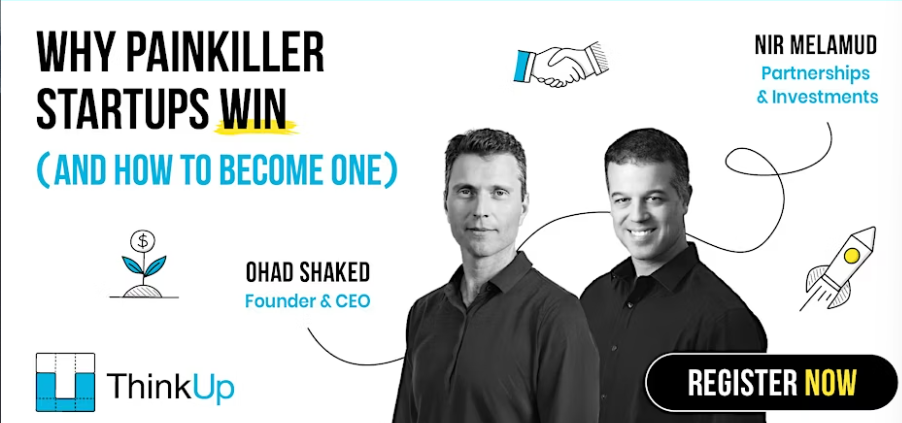
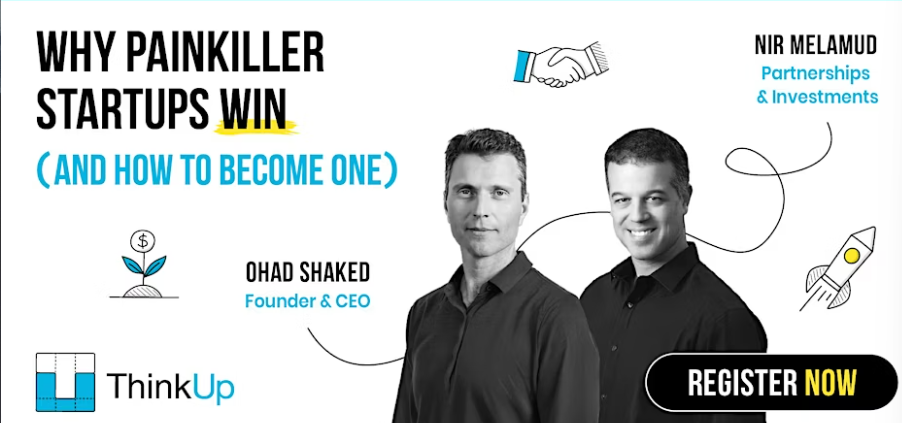
Why Painkiller Startups Win (and How to Become One).

Event created by Nicolas Chea
Most startups don’t fail because the idea is bad.
Many of them fail because the problem isn’t painful enough.
If people say your product is “cool,” but no one’s using it? That’s a red flag. Too many founders build nice-to-have tools instead of must-haves—then wonder why no one sticks around.
That’s why we’re hosting a live, hands-on webinar with Ohad Shaked and Nir Melamud.
You’ll learn:
✅ Why painkiller products get adopted—and “vitamins” get ignored, and how to show investors your product solves a real, urgent problem
✅ How to spot real user pain (not just polite feedback)
✅ How to shape your idea into something urgent and valuable
This isn’t theory. It’s straight from founders and investors who’ve helped launch dozens of fast-moving startups.
What to expect:
✔ Real examples, no fluff
✔ Fireside chat + live Q&A.
We’ll answer as many of your questions as we can — bring them all!
Who it’s for:
- Founders testing or shaping an idea
- Early-stage entrepreneurs talking to investors
- Builders struggling with low traction or vague feedback
When & where:
Wednesday, May 21 · 7 - 8pm GMT+1
📍 Live, online, and free
Ready to stop guessing and build something people truly need?
Save your seat and join us.
👉 Register now
User Feedback


Important Information
Terms of Use Guidelines We have placed cookies on your device to help make this website better. You can adjust your cookie settings, otherwise we'll assume you're okay to continue.