_db33a8.png)


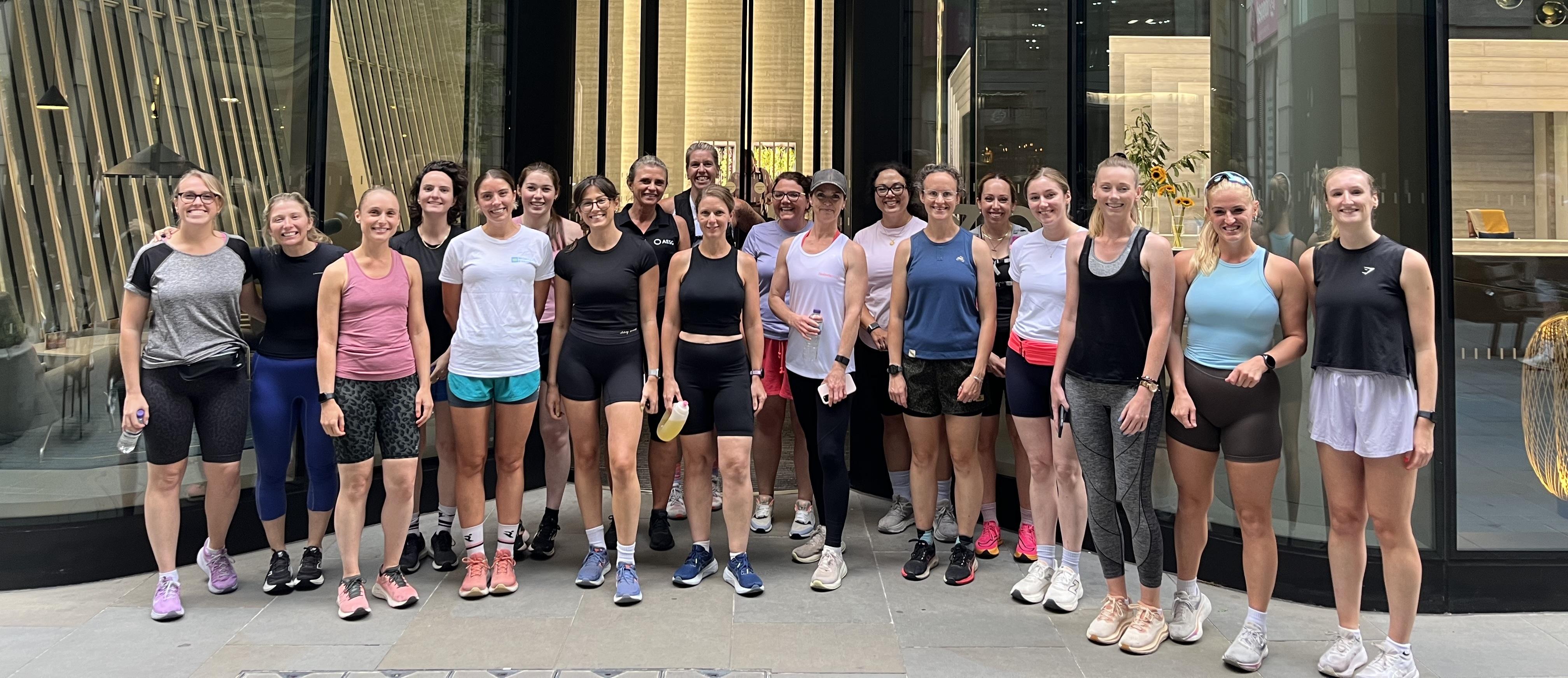
Women Only Property Breakfast Networking Run hosted by Howden.
.thumb.png.9594b08ba898a6b0d0fa1576ea2c9574.thumb.png.3097220ace298f0faaab6884cd0ea0f5.png)
Event created by Startup Networks
Price £10.46 – £54.88


Come along to our Women Only Property Sports Network run hosted by Howden.
We are thrilled to announce our next Women Only Networking Run.
Join us as we break down barriers, create lasting connections, and promote a healthy, active lifestyle. This is more than just a sports network – it's a powerful community driven by women, for women.
Networking:
Growing your network is fundamental to our events and this will take place before, during and after the run.
Attendance:
This event is open:
- People who work in the property sector
- Are aged 18+
- Female
- Are able to run 5k comfortably
Please do share the event info with colleagues, clients and contacts.
You must sign up to attend.
Timings:
8:15 - Arrive at Howden to register and network.
8:30 - Run starts (approx. 45 min at an easy conversational pace)
9:15 - Run finishes back at Howden for refreshments and further networking.
10:00 - Approximate end time.
See FAQ ast base of page for common questions.
ABOUT OUR HOST - Howden
Launched in 2021, our Construction and Infrastructure Assets team was born out of the growing need for an alternative broker that truly understands the unique challenges faced by the industry. Our team was founded with a singular vision: to create a simple and forward-thinking solution that addresses your specific needs.
Our division consists of individual teams, who work as one to provide a one stop shop approach for clients. From planning to construction, installation to operations, our team has experience in major complex building, civil engineering, utilities and transport and infrastructure projects. We occupy a unique space strategically that allows us to bring the benefits of a boutique broker with the power of a large international.
Having sought the best construction risk professionals, we have unrivalled experience and the extensive knowledge necessary to be a true market leader.
Read more at www.howdengroup.com
LIABILITY WAIVER
By purchasing a ticket, you confirm that you, and/or the individual(s) for whom you are purchasing the ticket, are in suitable physical condition to comfortably participate in running activities. You also confirm that no medical professional has advised you to refrain from physical activities.
By purchasing this ticket, you hereby agree to waive, release, and discharge Property Sports Network Limited, its directors, officers, employees, agents, and representatives from any and all liabilities, claims, demands, or causes of action, including but not limited to those arising from negligence or fault, for any personal injury, property damage, property theft, or other loss that may occur as a result of participation in this event, including travel to and from the venue.
IMAGE CONSTENT
We have fun at all our events, and sometimes we like to capture that fun in photos and videos. These photos and videos collected at events will be used by The Property Sports Network to circulate to attendees and for future marketing purposes both online and in print. By purchasing a ticket and or attending an event you are consenting for us to use these images and videos for such purposes.
KEEP IN TOUCH
Mailing list | LinkedIn | Strava | X | Instagram
FREQUENTLY ASKED QUESTIONS
See below.


