_db33a8.png)


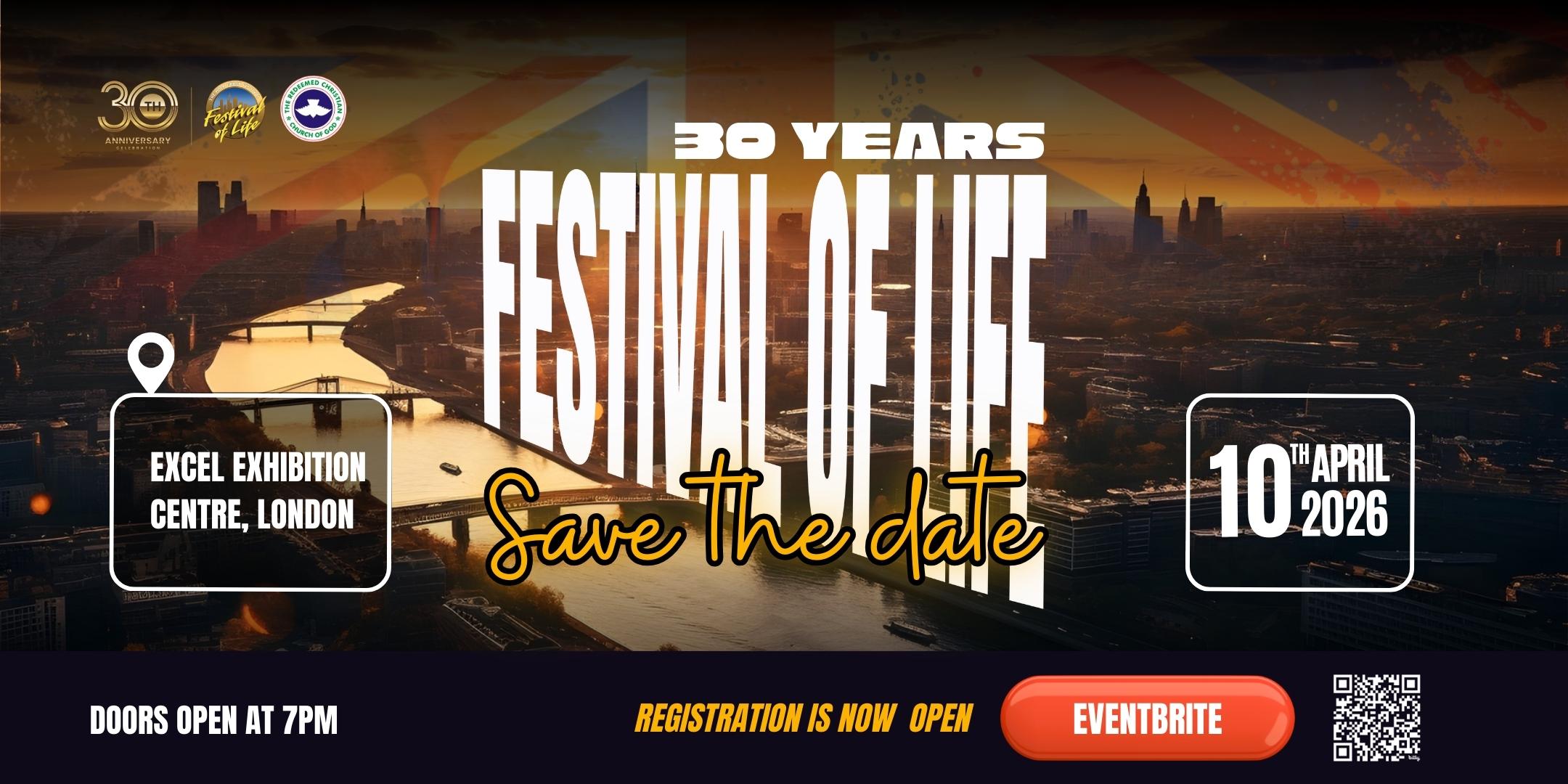
Festival of Life London 2026
.thumb.png.9594b08ba898a6b0d0fa1576ea2c9574.thumb.png.3097220ace298f0faaab6884cd0ea0f5.png)
Event created by Startup Networks
Price Free
Festival of Life London (FOL) is a unique vehicle of revival that brings together over 40,000 people from diverse backgrounds, nationalities and denominations to pray for revival in the city of London and the nation, worship God, and receive relevant, insightful Bible-based teaching.
The first Festival of Life was held in April 1996, and over the years it has become one of the largest non-denominational Christian gatherings of its kind in the UK.
Come expectant, come hungry, and come ready — for worship, prayer, transformation, and a powerful move of God.
Important notice (Under 16s):
Please note that it is the responsibility of all parents/carers to take care of their children (under 16 years) before, during and after the event.
FOR HOTEL RESERVATION
Here are a list of hotels around the Excel Centre where you can make reservations:
Excel West
Novotel London Excel Docklands
Ibis London Excel Docklands
Crown Plaza London Excel Docklands
Sunborn London Hotel
Excel East
Aloft London Excel
Travelodge London Excel
Prince Regent London Excel
Doubletree by Hilton London Excel
Premier Inn London Docklands Excel
PARKING
The only way to guarantee a parking space is to pre-book.
Visit the Excel London website and click on ‘getting here’ for more information on how to book your parking.

FOR TRANSPORTATION INFORMATION


