This event is currently open for registration only. Click “Join waitlist” to register your interest.
Clinicians are often brought in to advise, pilot, or validate health technology, but their input rarely translates into adoption or long-term value. Too often, clinical expertise is treated as a late-stage ‘rubber stamp’ for compliance rather than an early-stage catalyst for growth.
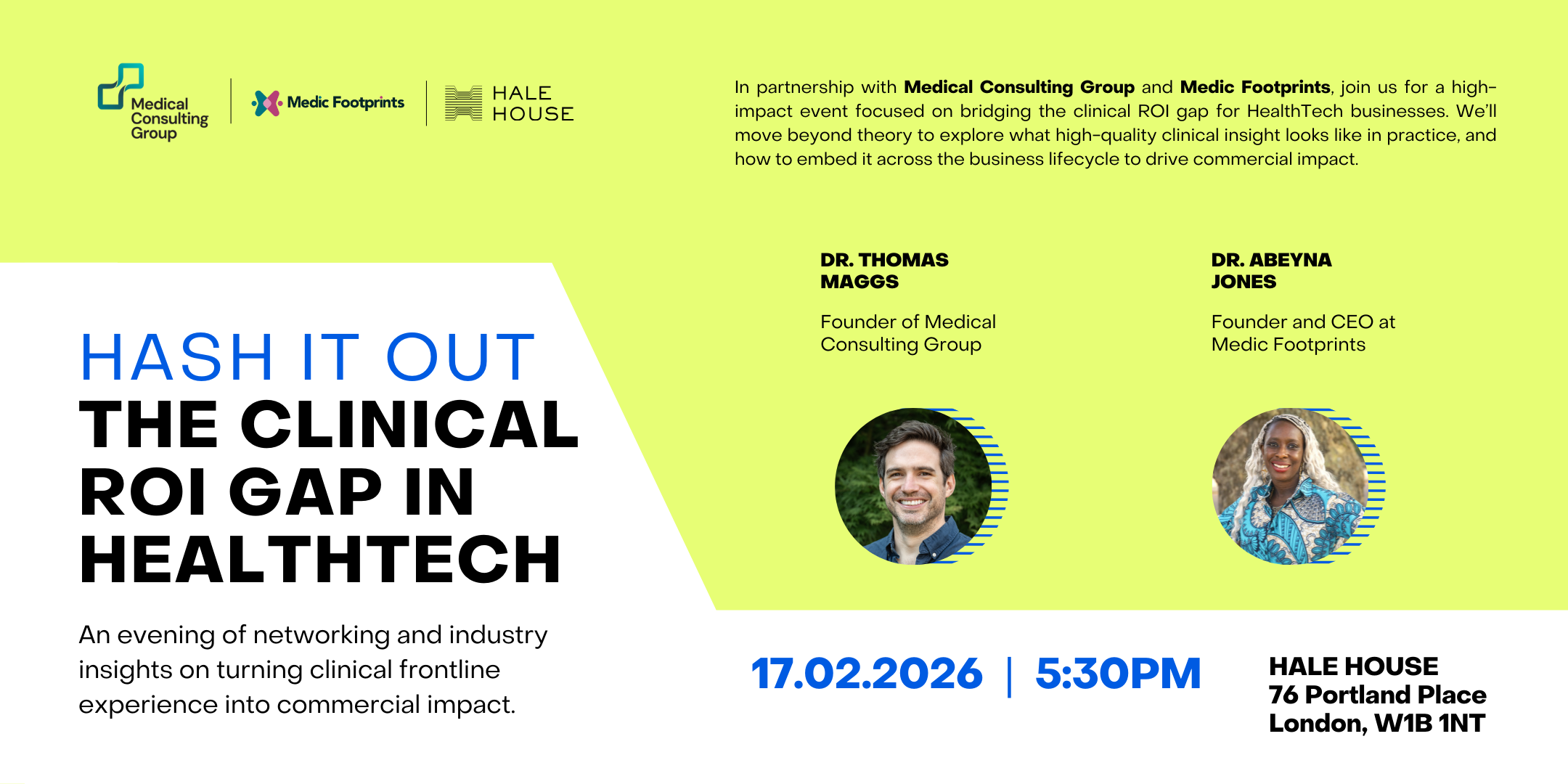
Join us and Hale House members Medical Consulting Group and Medic Footprints for a practical, high-impact session on how to turn clinical insight into real commercial outcomes. This event goes beyond theory to unpack what good clinical input looks like, and how to embed it across the business lifecycle.
What to Expect
Real-world post-mortems: Practical lessons from clinical integration successes and failures
Defining “good” insight: The right clinical input at each stage, from build to market access
Interactive roundtables: Founders and clinicians working through when to involve clinicians, and how
The Takeaway
For businesses: A clear framework to turn clinical investment into adoption and value
For clinicians: How to move from advisor to strategic commercial partner
Who It’s For
HealthTech leaders optimising clinical input
Experienced clinicians shaping HealthTech from design to delivery
Hash It Out is a quarterly event hosted by Hale House bringing together aspiring entrepreneurs, seasoned founders, industry leaders, investors, clinicans and service providers to discuss the latest trends and challenges in the sector.
_db33a8.png)


.thumb.png.9594b08ba898a6b0d0fa1576ea2c9574.thumb.png.3097220ace298f0faaab6884cd0ea0f5.png)

