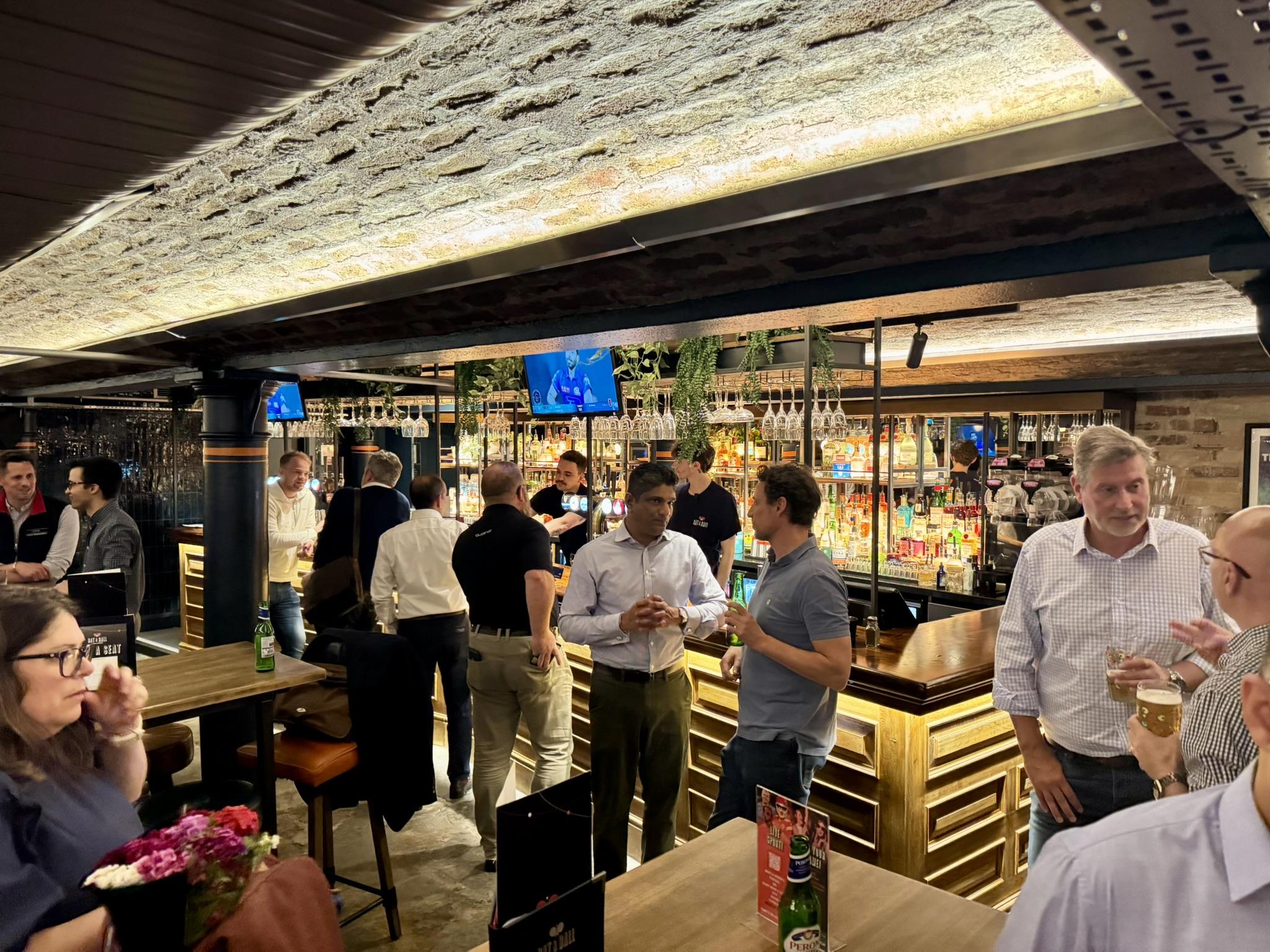
Some networking events are noisy and forgettable. This one isn’t.
BOOM brings together founders, leaders and senior professionals who value proper conversation, relaxed energy and leaving the room feeling energised, not exhausted.
April’s BOOM Networking event takes place at Gallery Club, hosted in Cubanista, an intimate, richly styled lounge space designed for comfort and conversation.
This is not a nightclub night. It’s BOOM, done properly.
What to expect
• 50–70 experienced business owners & decision-makers • A relaxed lounge setting designed for conversation • Italian stone-baked pizza served during the evening • Natural introductions and easy, social discussion
The format
17:30 – Arrivals & informal networking 18:30 – Welcome & short BOOM introduction 18:45 – Pizza served & networking continues 20:00 – Official close (venue remains open if you’re staying on)
Is this for you?
You’ll enjoy BOOM if you prefer fewer, better conversations and like your networking to feel social rather than transactional.
Probably not for you if you’re planning to pitch the room or rush through as many contacts as possible.
Tickets & access
BOOM is a membership-led business community. BOOM Members attend as part of their membership.
First-Time Access – £39 + VAT Available exclusively to business owners attending BOOM for the first time. This one-off ticket allows you to experience the BOOM room before deciding whether membership is right for you. Capacity is limited.
You can post now and register later.
If you have an account, sign in now to post with your account.
Note: Your post will require moderator approval before it will be visible.
_db33a8.png)


.thumb.png.9594b08ba898a6b0d0fa1576ea2c9574.thumb.png.3097220ace298f0faaab6884cd0ea0f5.png)
