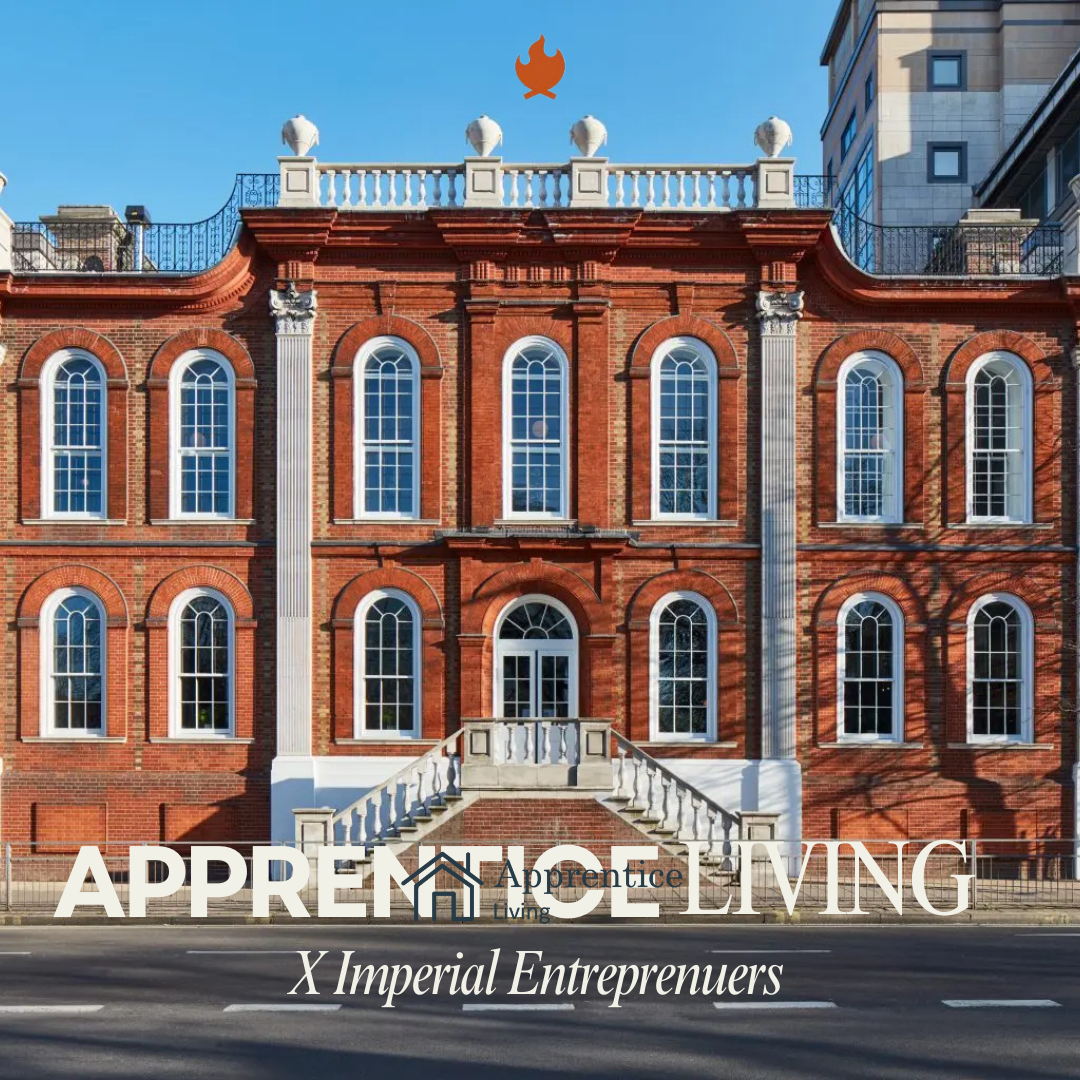
Apprentice Living x Imperial Entrepreneurs is bringing together two worlds for the very first time in the UK.
Why should you come?
This pitch night will showcase top emerging talent from both the apprentice and student ecosystems, creating a unique space where ambitious founders, builders, and future leaders can connect, learn, and grow together.
Founders pitching on the night include engineers from Jaguar Land Rover and Morgan Stanley, award-winning hackathon engineers, and student founders who have conducted global research at MIT and Harvard and using their expertise to support clinicians by enabling faster, more accurate cancer diagnosis, tackling real-world healthcare challenges with cutting-edge technology.
Guests can expect a high-energy evening of live startup pitches, thoughtful Q&A, and real-time feedback from experienced judges and an engaged audience. It’s an opportunity to see the next generation of UK founders in action, gain insight into early-stage startups, and network with apprentices from companies such as Goldman Sachs, Apple, PwC, and more.
Friends and family are warmly encouraged to attend and support the founders.
Sign up to become an Apprentice Living member here if you're an apprentice or young professional! https://tally.so/r/D4B9db
_db33a8.png)


.thumb.png.9594b08ba898a6b0d0fa1576ea2c9574.thumb.png.3097220ace298f0faaab6884cd0ea0f5.png)

