_db33a8.png)


.thumb.png.9594b08ba898a6b0d0fa1576ea2c9574.thumb.png.3097220ace298f0faaab6884cd0ea0f5.png)
About the challenge
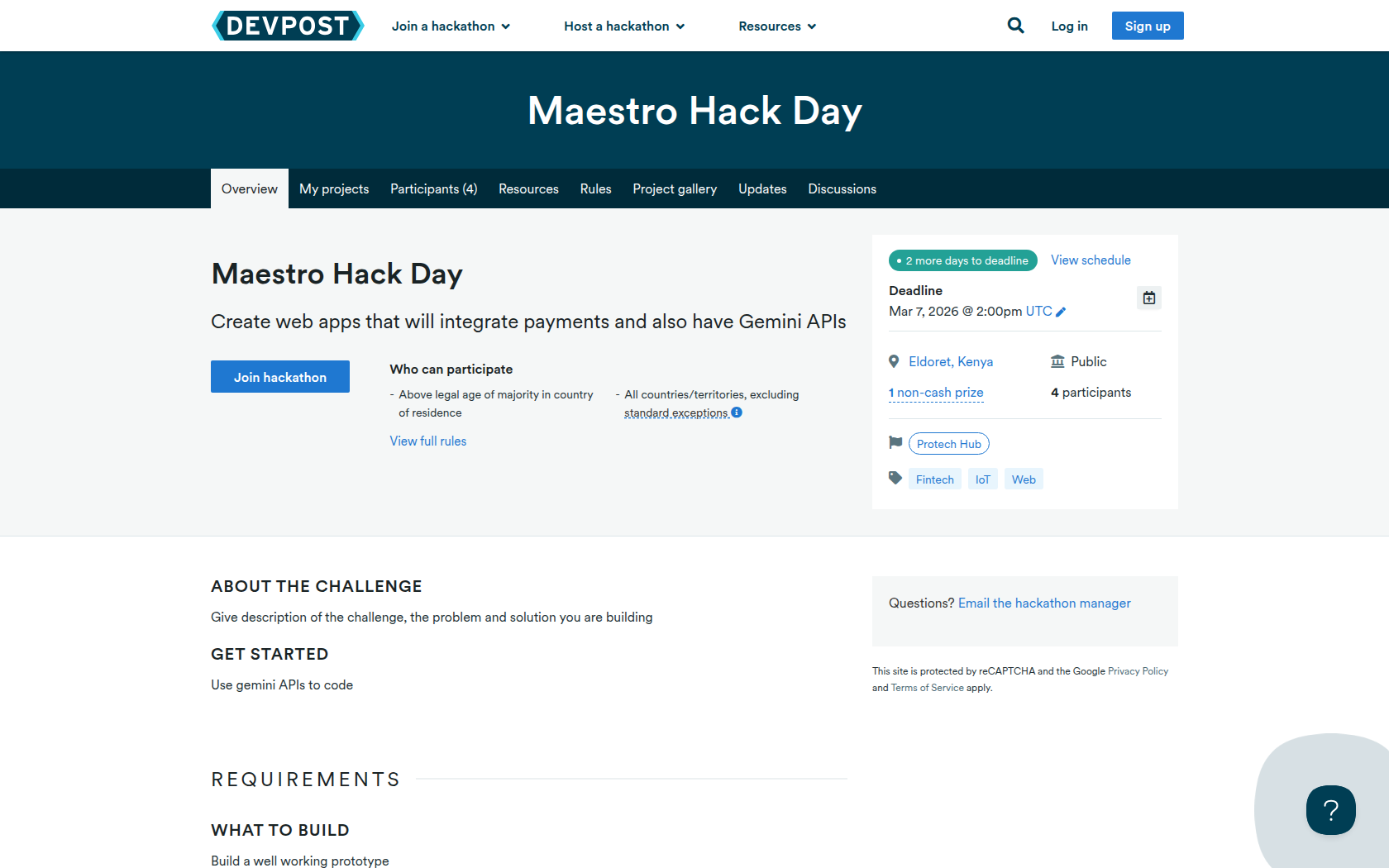
Give description of the challenge, the problem and solution you are building
Get started
Use gemini APIs to code
Requirements
What to Build
Build a well working prototype
What to Submit
Submit your documentation with the code
Prizes
1 non-cash prize
Google Cloud Plano
Google Cloud Plano
1 winner
The winner will receive a water bottle and a notebook
Runners up will get a water bottle
2nd Runners up will get a google cloud printed notebook
Devpost Achievements
Submitting to this hackathon could earn you:
Judges

Enock Juma
Software Dev
Annah Nasiebanda
QA Tester
Neununa Faith
Student
Hat Juma
CYbersecurity and Software Developer
Judging Criteria
-
Solution brought out clearly
The solution should be explained in simple and understandable way that will convince even investors to invest in the project -
Working Project
A good demonstration of the project working with all the aspects listed and explained tested

Recommended Comments
Join the conversation
You can post now and register later. If you have an account, sign in now to post with your account.