_db33a8.png)


.thumb.png.9594b08ba898a6b0d0fa1576ea2c9574.thumb.png.3097220ace298f0faaab6884cd0ea0f5.png)
About the challenge
Quick description
Get started
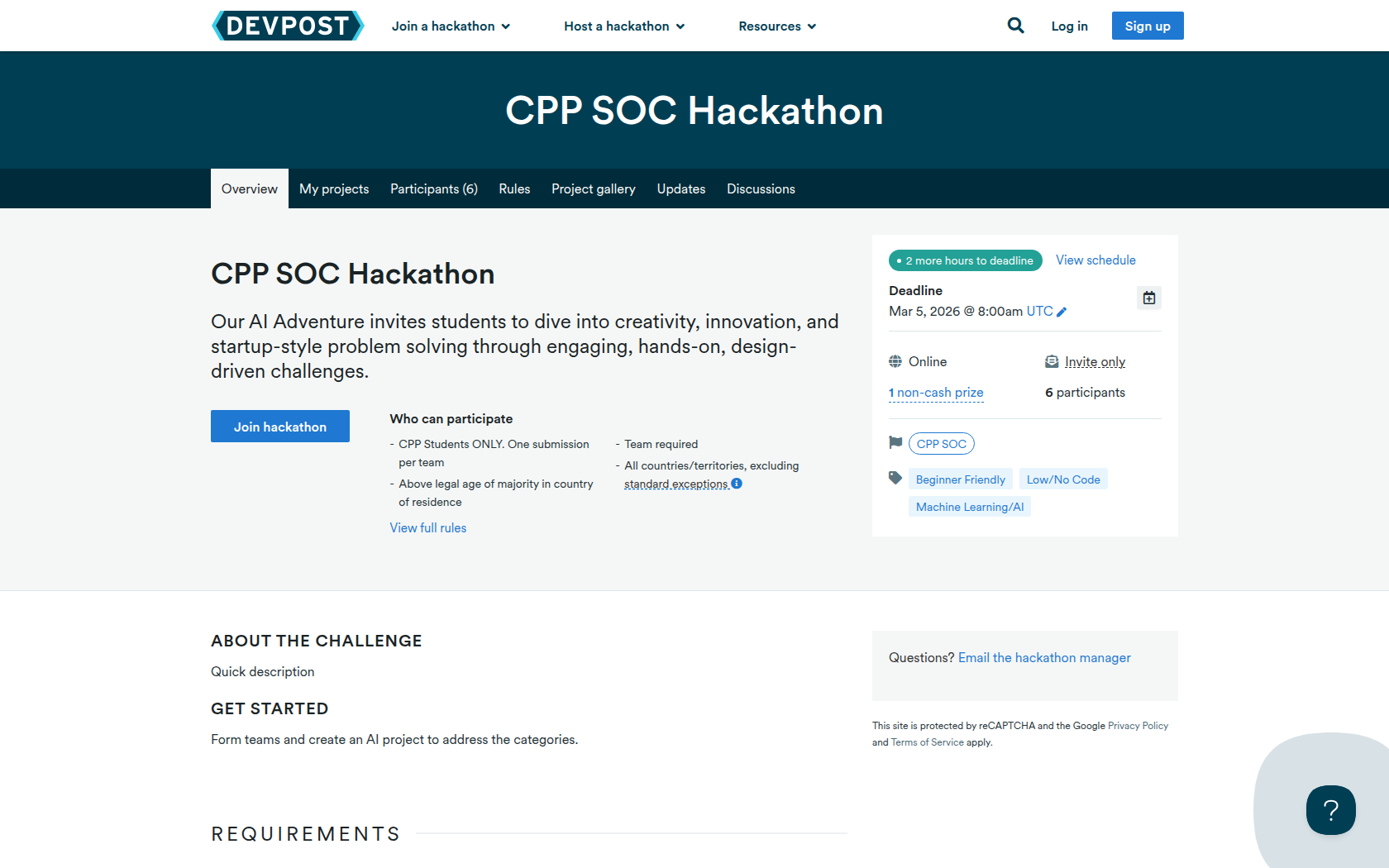
Form teams and create an AI project to address the categories.
Requirements
What to Build
A working model within category.
What to Submit
5-minute professional video demonstrating working model.
Prizes
NO CASH PRIZE
First, second, and third place in each category will move on to in-person finals.
THERE IS NO CASH PRIZE.
Devpost Achievements
Submitting to this hackathon could earn you:
Judges

Tom Phao
Phao Inc.
Roman Arreguin
Roman Inc.
Dr. Indira Guzman
CPP
Eric Heng
eric inc
Nich TechQuest
TechQuest Judge
Nich VentureDesign
VentureDesign

Nich AllCategories
AllCategores
Judging Criteria
-
Innovation & Problem Framing (10 points)
How clearly is the problem defined, and how original and thoughtful is the AI enabled solution? -
Impact and Relevance (10 points)
Does the solution address a real world need with meaningful potential impact for industry, community, or society? -
Technical or Design Feasibility (10 points)
Is the solution credible and feasible within real world constraints, using appropriate technical or low code approaches? -
Venture and Market Readiness (10 points)
Does the team show evidence that customers or users would adopt and pay for this solution? Is there credible evidence that the solution solves a problem people care about enough to pay for? -
Storytelling (10 points)
Is the solution clearly and compellingly communicated, with a coherent narrative and professional 5 minute video? -
Bonus Points: Diverse Teams (10 points) (Applied only in the event of a tie)
Interdisciplinary collaboration is encouraged. Does the team demonstrate diversity in terms backgrounds, skills, and perspectives?
Recommended Comments
Join the conversation
You can post now and register later. If you have an account, sign in now to post with your account.
Note: Your post will require moderator approval before it will be visible.