_db33a8.png)


.thumb.png.9594b08ba898a6b0d0fa1576ea2c9574.thumb.png.3097220ace298f0faaab6884cd0ea0f5.png)
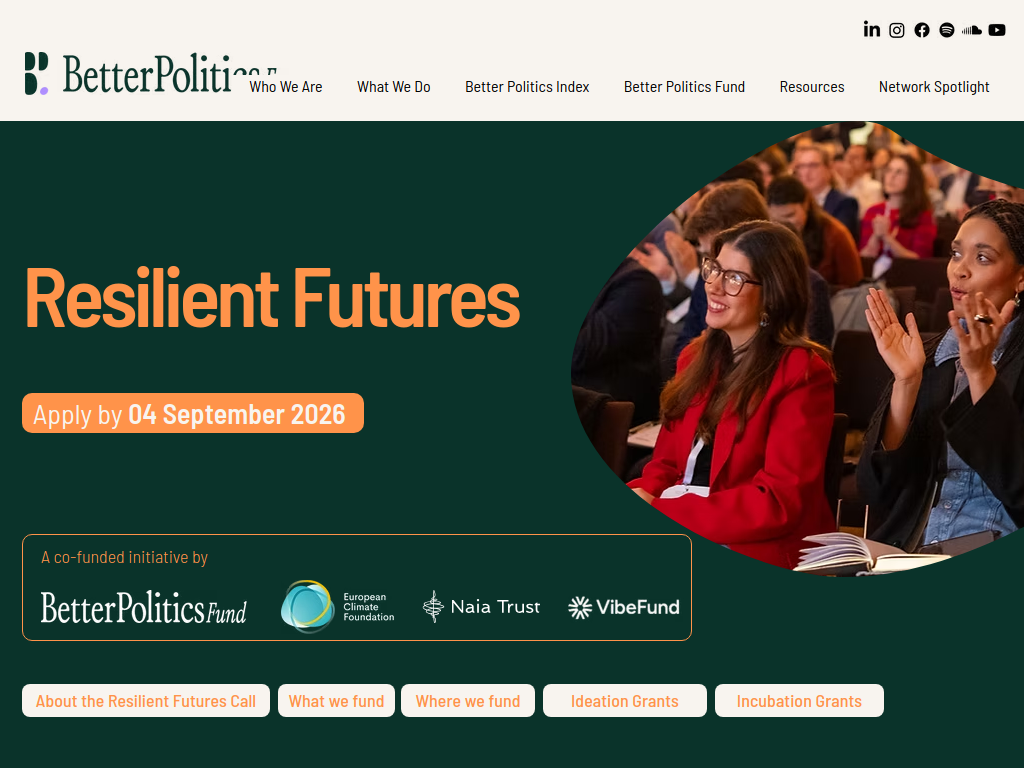
The Resilient Futures Call 2026, led by the Better Politics Fund alongside the European Climate Foundation, Naia Trust and Vibe Fund, is offering funding for new and early-stage non-partisan ideas connecting democratic political leadership with climate resilience. A total of $700,000 is available across the wider initiative.
Here’s what you can expect:
Ideation Grants of $10,000–$20,000
$700,000 total funding available across the Resilient Futures initiative
Funding for bold, new or early-stage ideas
Support for projects connecting political leadership and climate resilience
Projects can focus on climate-informed political leadership, stronger connections between communities and decision-makers, or cross-sector leadership
Relevant sectors include energy, housing, transport, food, health, security and conservation
Separate Incubation Grants of up to $50,000 are available for more developed initiatives, but these are nomination-only and cannot be applied for directly.
Who can apply?
Organisations, networks, collectives and individuals
Applicants do not need to be registered charities
Applicants can be based around the world, subject to the fund's excluded-country list
New organisations that are generally under 12 months old, or established organisations launching a genuinely new pilot
Initiatives must be non-partisan and cannot support political parties, candidates or campaigns
The UK is one of the priority countries, alongside selected countries across Europe, Africa, Asia, Latin America and the Pacific
UK/European proposals are particularly encouraged around democratic legitimacy, affordability, community participation and a fair climate transition.
Application deadline: 4 September 2026, before midnight CET. Decisions are expected in late November or early December 2026.
Recommended Comments
Join the conversation
You can post now and register later. If you have an account, sign in now to post with your account.
Note: Your post will require moderator approval before it will be visible.