_db33a8.png)


.thumb.png.9594b08ba898a6b0d0fa1576ea2c9574.thumb.png.3097220ace298f0faaab6884cd0ea0f5.png)
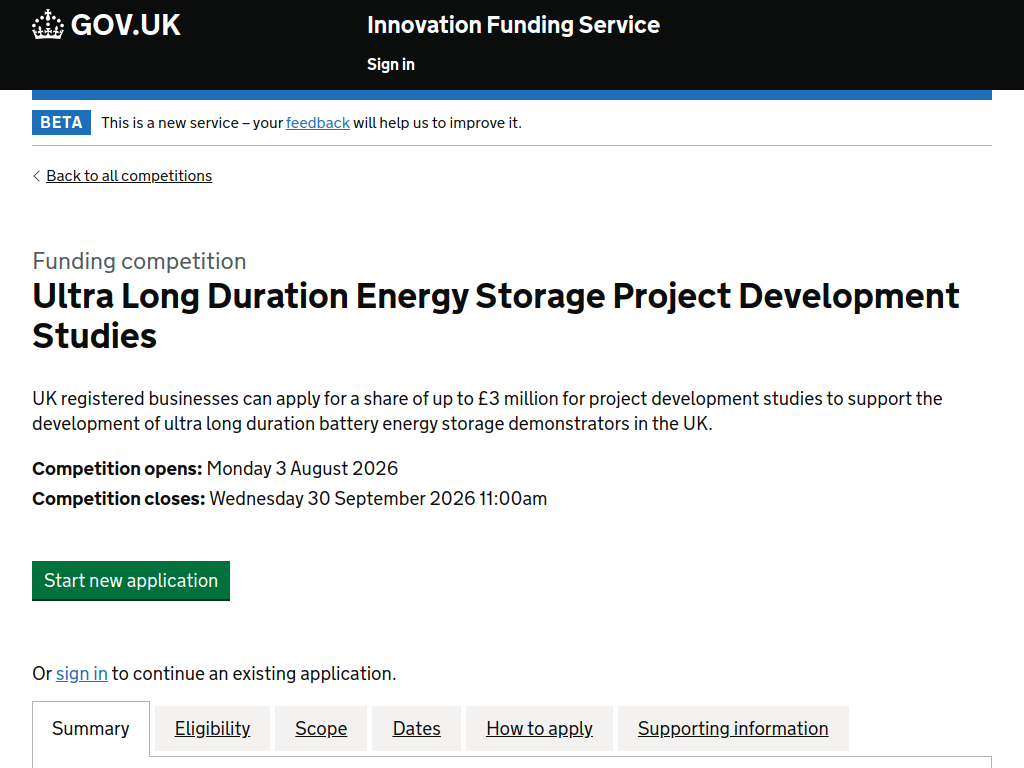
The Ultra Long Duration Energy Storage Project Development Studies competition from Innovate UK’s Innovation Funding Service provides grant funding for UK businesses developing electrochemical ultra long duration energy storage (ULDES) technologies. The aim is to help promising technologies progress towards large-scale UK demonstrators and eventual deployment in the electricity grid.
Here’s what you can expect:
£350,000–£700,000 in grant funding per project
Up to £3 million available across Phase 1
Projects lasting between 3 and 9 months
Funding for technology assessment and engineering design
Support for cost, scale-up and development roadmaps
Funding for market assessments and manufacturing and supply-chain planning
Technologies must be capable of delivering power for at least 100 continuous hours
Technologies should have a working life of at least 25 years
A further at least £10 million is planned for Phase 2 to support large-scale demonstrators.
Who can apply?
UK-registered businesses of any size can apply alone or lead a collaboration
Collaborators can include UK businesses, universities, charities, nonprofits, public-sector organisations and RTOs
Funded project work must be carried out in the UK
Applicants must intend to exploit the project's results in the UK
Projects must support the development, scale-up and UK manufacture of electrochemical ULDES technology
Projects must start by 1 January 2027 and finish by 30 September 2027.
Funding rate: Businesses can receive up to 70% of eligible costs for micro/small organisations, 60% for medium organisations and 50% for large organisations.
Application deadline: 30 September 2026 at 11:00am UK time.
Recommended Comments
Join the conversation
You can post now and register later. If you have an account, sign in now to post with your account.
Note: Your post will require moderator approval before it will be visible.