_db33a8.png)


.thumb.png.9594b08ba898a6b0d0fa1576ea2c9574.thumb.png.3097220ace298f0faaab6884cd0ea0f5.png)
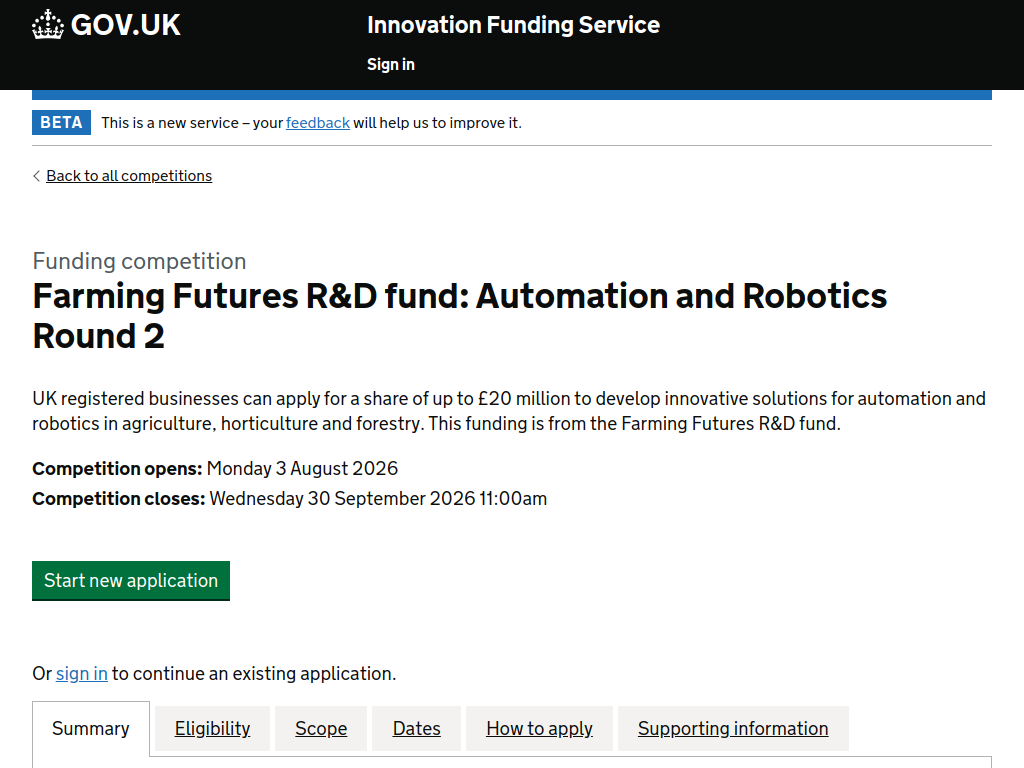
The Farming Futures R&D Fund: Automation and Robotics Round 2, delivered by Innovate UK in partnership with Defra, provides grant funding for collaborative projects developing ambitious automation and robotics solutions for agriculture, horticulture and forestry. Projects should tackle challenges such as productivity, labour shortages, sustainability, animal welfare and resource efficiency, while demonstrating benefits for farmers or growers in England.
Here’s what you can expect:
A share of up to £20 million in grant funding
Projects with total eligible costs between £500,000 and £2.5 million
Projects lasting 12–36 months
Funding for automation and robotics addressing agricultural challenges
Solutions can target productivity, resource efficiency, food quality and traceability, waste reduction, crop and animal health, animal welfare and sustainability
Particular interest in technologies that reduce reliance on seasonal agricultural labour
Industrial research funding of up to 70% of eligible costs for micro/small organisations, 60% for medium organisations and 50% for large organisations.
Who can apply?
A UK-registered business of any size must lead the project
Projects must be collaborative
The lead must work with at least one other eligible UK organisation
Partners can include businesses, farmers, growers, foresters, universities, charities, nonprofits, public-sector organisations and RTOs
Projects must demonstrate how they will benefit farmers or growers in England
Funded organisations must carry out their project work in the UK and intend to exploit the results in the UK
No single organisation can account for more than 70% of the project's eligible costs.
Application deadline: 30 September 2026 at 11:00am UK time. Projects must start by 1 March 2027 and finish by 28 February 2030.