_db33a8.png)


.thumb.png.9594b08ba898a6b0d0fa1576ea2c9574.thumb.png.3097220ace298f0faaab6884cd0ea0f5.png)
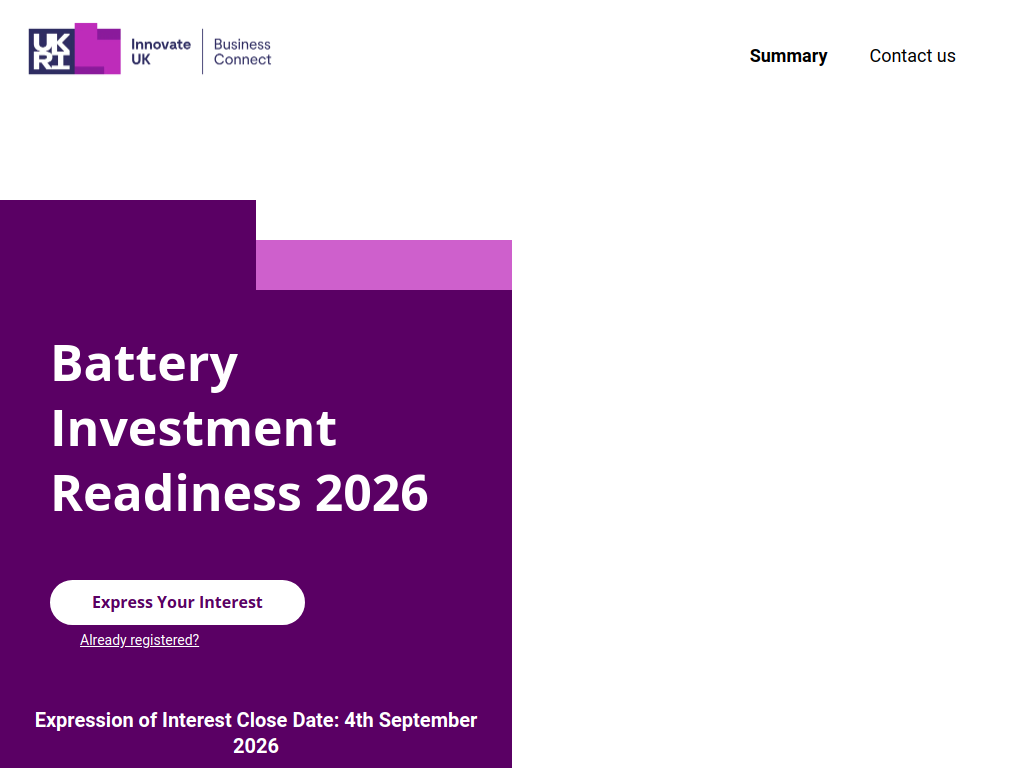
The Innovate UK Battery Investment Readiness Programme 2026 is a 12-week hybrid programme designed to help UK battery-sector SMEs prepare to raise investment. Up to 30 businesses will be selected for expert workshops, investor engagement, mentoring and support developing their investment materials.
Here’s what you can expect:
A 12-week investment-readiness programme
Up to 30 UK SMEs selected
Expert-led online and in-person workshops
Support developing investor decks, elevator pitches and other investment materials
Guidance around your value proposition, market, IP, financials and growth plans
Pitch feedback directly from investors and industry experts
Regular opportunities to connect with investors and mentors
Support improving fundraising strategy and preparing for due diligence
Opportunity for selected cohort members to pitch live to battery and critical-materials investors in January 2027
Proposed in-person sessions on 12 October, 2 November and 10 December 2026.
Who can apply?
UK-registered SMEs
Businesses actively developing hardware or software within the battery value chain
This can include battery materials, components, cells, recycling and enabling technologies
Businesses serving sectors including automotive, aerospace, defence, maritime, rail or grid storage
Companies looking to raise capital or build investor relationships within the next 6–12 months
Applicants must not have participated in an Innovate UK Battery Investment Readiness Programme between 2021 and 2025
The programme is aimed at established businesses with a defined product or solution rather than newly incorporated companies still developing an initial idea.
Expression of Interest deadline: 4 September 2026. Applicants must submit a five-minute video describing their company and relevant technology. Successful applicants are expected to be notified during the week commencing 14 September.
Recommended Comments
Join the conversation
You can post now and register later. If you have an account, sign in now to post with your account.
Note: Your post will require moderator approval before it will be visible.