Jump to content
  • advertisement_alt
  • advertisement_alt
  • advertisement_alt

1 Screenshot

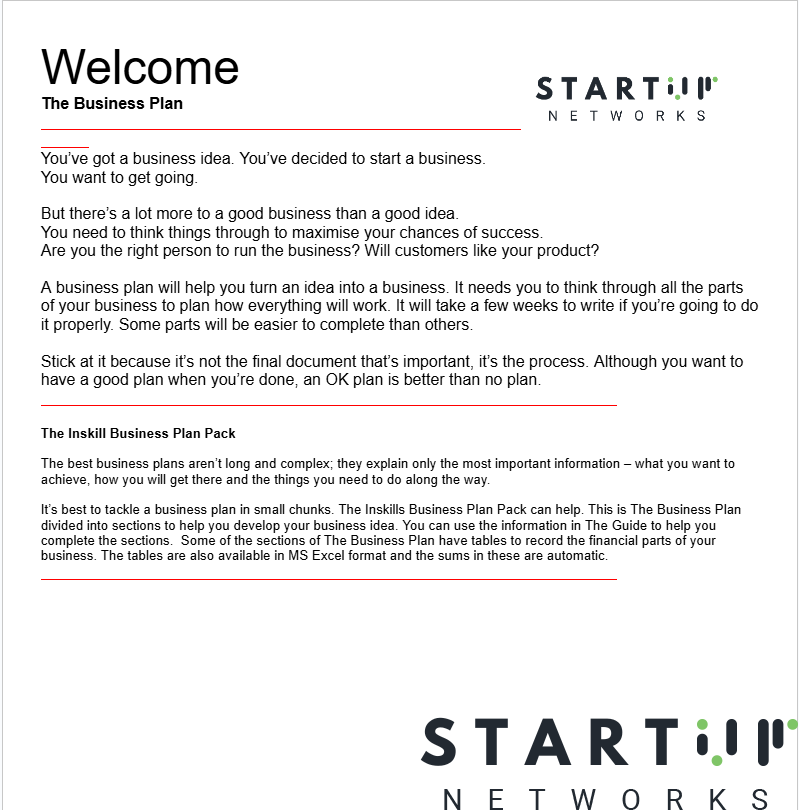
Get started on your entrepreneurial journey with a comprehensive Business Plan Pack. Designed to help you turn your business idea into a reality, this pack guides you through the essential steps of planning your business in manageable chunks. From your business’s executive summary to detailed financial forecasts, each section prompts you to think critically about your strategy, market, products, and finances.

This resource includes editable tables and templates, simplifying the process of creating your business plan. Additionally, financial tables are available in MS Excel format with automatic calculations, helping you focus on strategy instead of manual work.

With clear guidance, practical tools, and a focus on the most important information, the Business Plan Pack is the perfect companion to help you refine your ideas and maximise your chances of success. Download today to start building your business plan!

Startup Networks Chatroom

Chatroom Rules

  • Respectful Communication: Always communicate with courtesy and respect. Avoid any form of harassment, abuse, or disrespectful language.

  • No Spamming: Refrain from spamming the shoutbox with repetitive messages, irrelevant content, or excessive use of CAPS.

  • Stay On Topic: Keep discussions relevant to the forum's theme and purpose. Avoid straying into off-topic areas that may not interest other users.

  • No Advertising or Self-Promotion: The shoutbox is not for advertising products, services, or personal ventures. Keep content community-focused.

  • Privacy and Confidentiality: Do not share personal information about yourself or others in the shoutbox. This includes contact details, addresses, etc.

Important Information

Terms of Use Guidelines We have placed cookies on your device to help make this website better. You can adjust your cookie settings, otherwise we'll assume you're okay to continue.

Configure browser push notifications

Chrome (Android)
  1. Tap the lock icon next to the address bar.
  2. Tap Permissions β†’ Notifications.
  3. Adjust your preference.
Chrome (Desktop)
  1. Click the padlock icon in the address bar.
  2. Select Site settings.
  3. Find Notifications and adjust your preference.