Jump to content
  • advertisement_alt
  • advertisement_alt
  • advertisement_alt

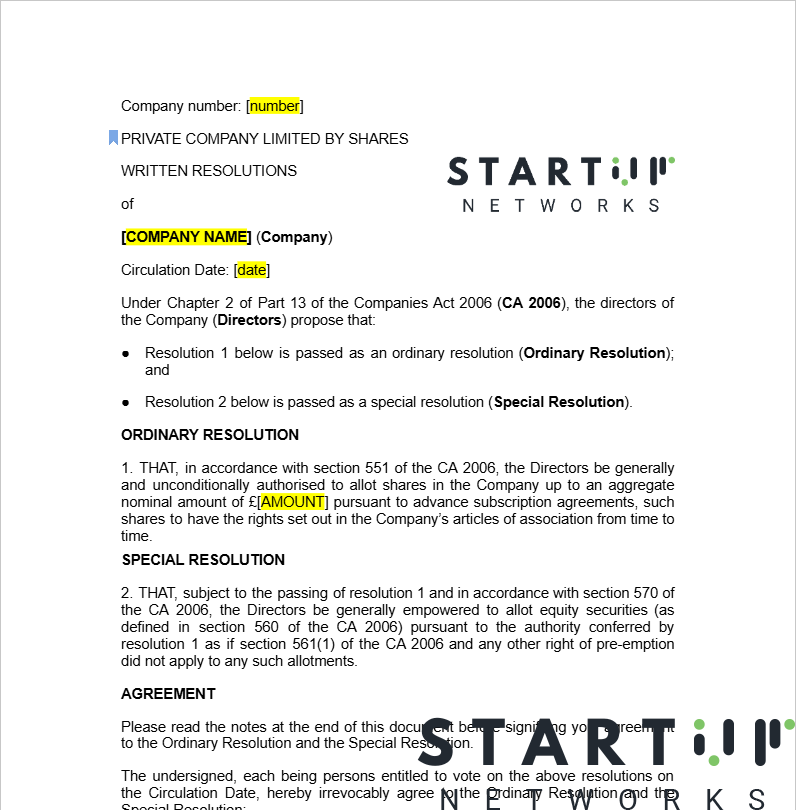
PRIVATE COMPANY LIMITED BY SHARES WRITTEN RESOLUTIONS 1.0.0

1 Screenshot

This Ordinary and Special Resolutions Template is designed to help companies formalise decisions requiring shareholder approval. The template complies with the Companies Act 2006 and includes both ordinary and special resolutions, such as authorising the allotment of shares and disapplying pre-emption rights.

Key features include:

  • Clear instructions for shareholders to signify agreement.
  • A combined resolution for both ordinary and special matters.
  • Guidance on returning signed documents electronically or by post.
  • Notes on voting procedures for joint shareholders and those with power of attorney.

This template ensures your company follows legal processes while making it easy for shareholders to participate in important decisions. Download it today to manage your corporate resolutions effectively and efficiently!

Startup Networks Chatroom

Chatroom Rules

  • Respectful Communication: Always communicate with courtesy and respect. Avoid any form of harassment, abuse, or disrespectful language.

  • No Spamming: Refrain from spamming the shoutbox with repetitive messages, irrelevant content, or excessive use of CAPS.

  • Stay On Topic: Keep discussions relevant to the forum's theme and purpose. Avoid straying into off-topic areas that may not interest other users.

  • No Advertising or Self-Promotion: The shoutbox is not for advertising products, services, or personal ventures. Keep content community-focused.

  • Privacy and Confidentiality: Do not share personal information about yourself or others in the shoutbox. This includes contact details, addresses, etc.

Important Information

Terms of Use Guidelines We have placed cookies on your device to help make this website better. You can adjust your cookie settings, otherwise we'll assume you're okay to continue.

Configure browser push notifications

Chrome (Android)
  1. Tap the lock icon next to the address bar.
  2. Tap Permissions โ†’ Notifications.
  3. Adjust your preference.
Chrome (Desktop)
  1. Click the padlock icon in the address bar.
  2. Select Site settings.
  3. Find Notifications and adjust your preference.