_db33a8.png)


.thumb.png.9594b08ba898a6b0d0fa1576ea2c9574.thumb.png.3097220ace298f0faaab6884cd0ea0f5.png)
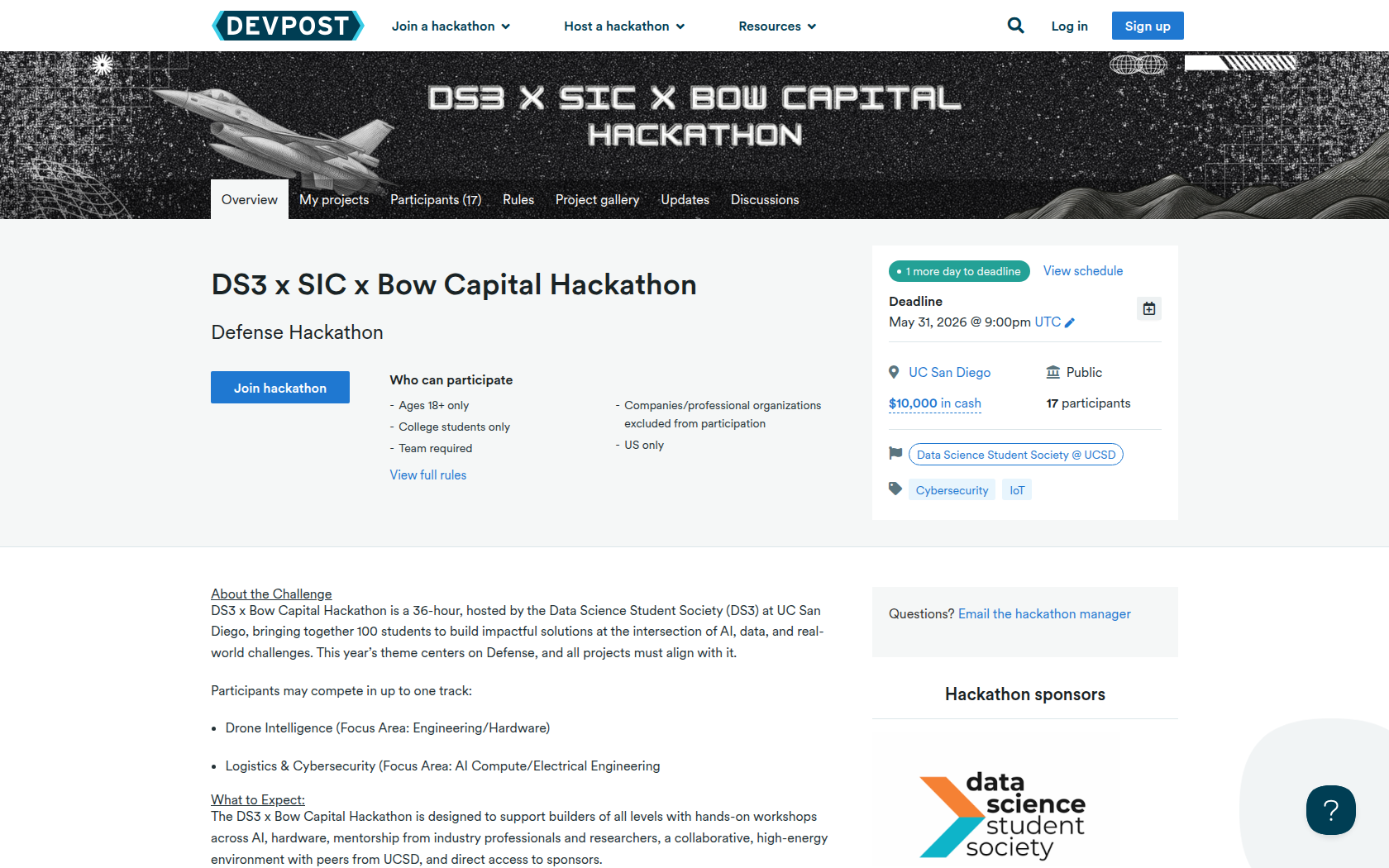
DS3 x Bow Capital Hackathon is a 36-hour, hosted by the Data Science Student Society (DS3) at UC San Diego, bringing together 100 students to build impactful solutions at the intersection of AI, data, and real-world challenges. This year’s theme centers on Defense, and all projects must align with it.
Participants may compete in up to one track:
-
Drone Intelligence (Focus Area: Engineering/Hardware)
-
Logistics & Cybersecurity (Focus Area: AI Compute/Electrical Engineering
The DS3 x Bow Capital Hackathon is designed to support builders of all levels with hands-on workshops across AI, hardware, mentorship from industry professionals and researchers, a collaborative, high-energy environment with peers from UCSD, and direct access to sponsors.
Getting Started:Before the event, form a team of 2-4 people (or participate solo), select your track, and come ready to build.
During the event: attend workshops to learn tools like 3D printing and Uno Q, work with mentors to refine your idea, overcome blockers, and strengthen your pitch.
Final Presentation:At the end of the hackathon, teams will present their projects in an expo-style judging session, showcasing their solutions to judges, sponsors, and the broader community. Each track and challenge has its own judging criteria! The rubrics will not be released.
Requirements
During the DS3 x Bow Capital Hackathon, teams will build a project from scratch over the 36-hour hacking period. Your project should address a meaningful problem using data, AI, hardware, or related technologies, while aligning with the overall hackathon theme and the selected tracks. Strong projects will demonstrate clear technical depth, originality, and thoughtful execution.
What to SubmitEach team is required to submit their project on Devpost with a clear and complete overview of their work. Submissions must include a project name and description that explains the problem being addressed and why it matters. A 3-minute demo video is required, showcasing the project in action.
For code-based tracks, teams must provide a public GitHub repository containing their implementation, along with an online deployed demo. For hardware or non-deployed projects, teams should include images or visuals that clearly demonstrate their system. All submissions should also list the full tech stack, including tools, frameworks, APIs, and hardware used.
In addition, teams are expected to prepare presentation materials for judging, such as a slide deck, pitch, web page, and/or architecture diagram to support their final expo presentation.










Prizes
Autonomous Navigation and Edge AI Track (Hardware): 1st Place
$875 gift card EACH and winners get a tour and interview for a summer internship at FireStorm Labs, based in San Diego
Logistics & Cybersecurity Track (Software): 1st Place
$875 gift card EACH and winners get a tour and interview for a summer internship at FireStorm Labs, based in San Diego
Autonomous Navigation and Edge AI Track (Hardware): 2nd Place
$375 gift card EACH and winners get a tour and interview for a summer internship at FireStorm Labs, based in San Diego
Logistics & Cybersecurity Track (Software): 2nd Place
$375 gift card EACH and winners get a tour and interview for a summer internship at FireStorm Labs, based in San Diego
Devpost Achievements
Submitting to this hackathon could earn you:
Judges

Scott Tait
Lumetec
Jake Windle
Harpoon
Douglass Evans
Jeff Taylor
Taylor Consulting Agency
Daryl Porter
Jeff Klein
Scott Smith
Andre Ranadive
Bow Capital
Ian Walker
Bow Capital
Seth Taylor
Victus AI
Rachel Costello
UCSD
Judging Criteria
-
TBD

Recommended Comments
Join the conversation
You can post now and register later. If you have an account, sign in now to post with your account.