_db33a8.png)


.thumb.png.9594b08ba898a6b0d0fa1576ea2c9574.thumb.png.3097220ace298f0faaab6884cd0ea0f5.png)
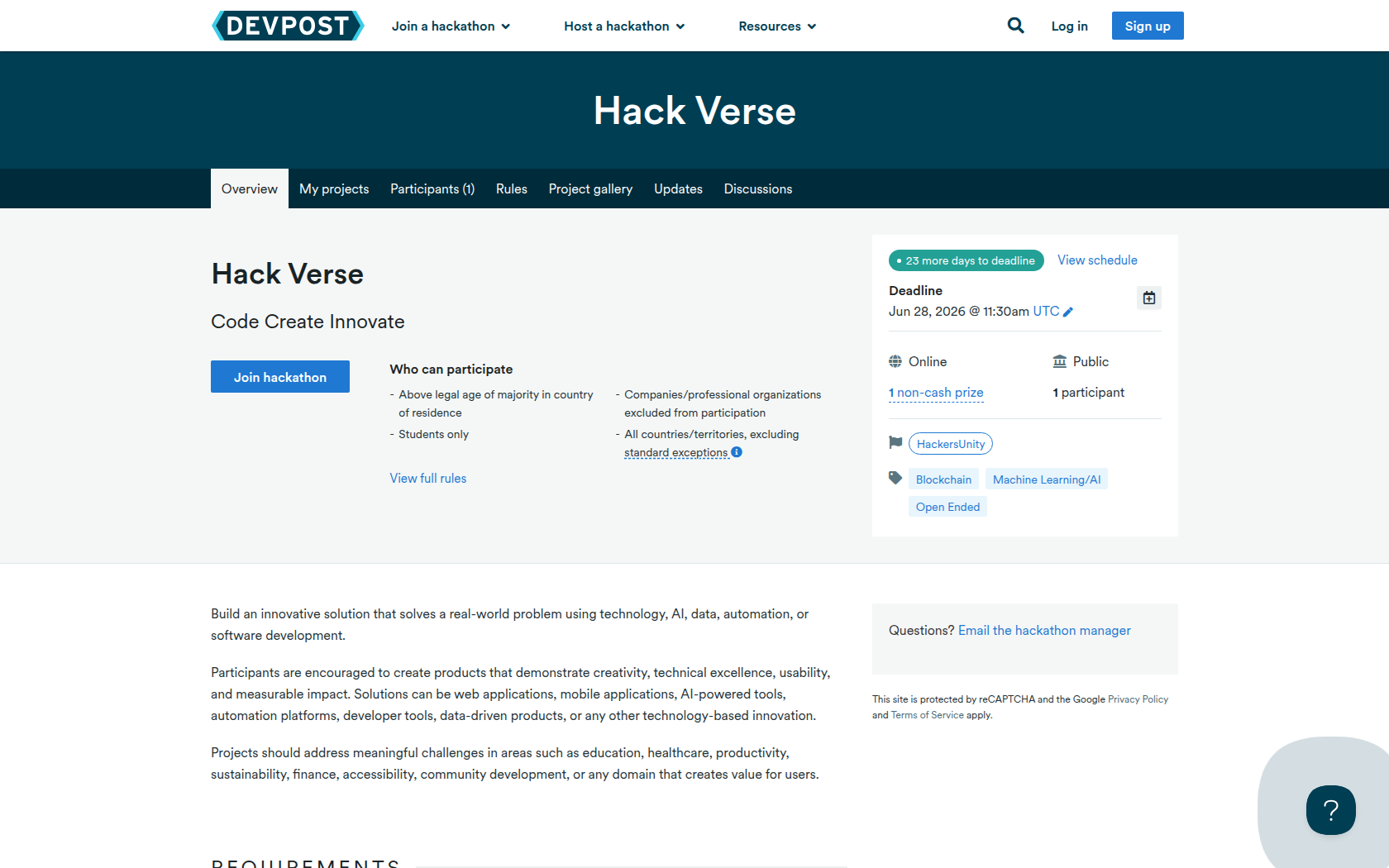
Build an innovative solution that solves a real-world problem using technology, AI, data, automation, or software development.
Participants are encouraged to create products that demonstrate creativity, technical excellence, usability, and measurable impact. Solutions can be web applications, mobile applications, AI-powered tools, automation platforms, developer tools, data-driven products, or any other technology-based innovation.
Projects should address meaningful challenges in areas such as education, healthcare, productivity, sustainability, finance, accessibility, community development, or any domain that creates value for users.
Requirements
Participants must develop a functional prototype, MVP, or proof-of-concept that addresses a real problem.
The project should include:
- A clear problem statement
- An innovative solution
- Working functionality or prototype
- User-focused design
- Technical implementation
- Potential real-world impact
Projects may include:
- AI/ML applications
- Web platforms
- Mobile applications
- SaaS products
- Automation tools
- Developer tools
- Data analytics solutions
- IoT projects
- Open-source projects
Submit the following:
Required- Project Name
- Team Information
- Team name
- Team member names
- Project Description
- Problem being solved
- Solution overview
- Target users
- Demo Video
- 3–5 minute demonstration
- Publicly accessible link (YouTube, Loom, etc.)
- Source Code Repository
- GitHub/GitLab repository link
- Presentation Deck (Optional but Recommended)
- Screenshots
- At least 2–5 screenshots of the solution
- Deployment Link
- Live application URL (if available)
Prizes
Internship
Company will provide Internship and you'll get a 30% discount.
Devpost Achievements
Submitting to this hackathon could earn you:
Judges

Pranjal Jain
Co-Founder, NextEase Solutions
Judging Criteria
-
Innovation & Creativity
-
Technical Implementation
-
Impact & Presentation

Recommended Comments
Join the conversation
You can post now and register later. If you have an account, sign in now to post with your account.