_db33a8.png)


.thumb.png.9594b08ba898a6b0d0fa1576ea2c9574.thumb.png.3097220ace298f0faaab6884cd0ea0f5.png)
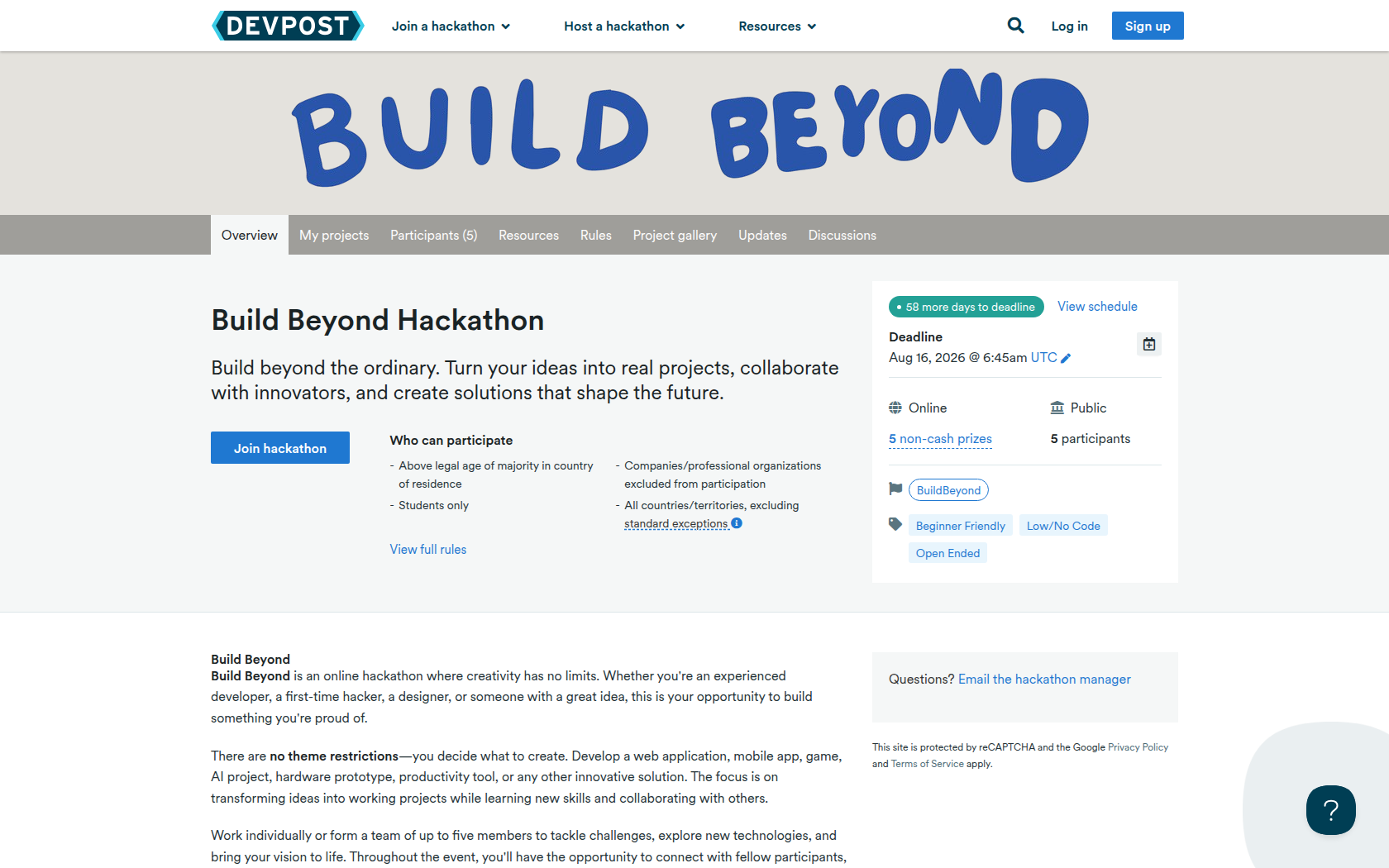
Build Beyond is an online hackathon where creativity has no limits. Whether you're an experienced developer, a first-time hacker, a designer, or someone with a great idea, this is your opportunity to build something you're proud of.
There are no theme restrictions—you decide what to create. Develop a web application, mobile app, game, AI project, hardware prototype, productivity tool, or any other innovative solution. The focus is on transforming ideas into working projects while learning new skills and collaborating with others.
Work individually or form a team of up to five members to tackle challenges, explore new technologies, and bring your vision to life. Throughout the event, you'll have the opportunity to connect with fellow participants, receive mentorship, and showcase your work to a panel of industry judges.
Why participate in Build Beyond?- Open to everyone: Perfect for beginners and experienced builders alike.
- Unlimited creativity: Build any project that inspires you.
- Hands-on experience: Strengthen your technical and problem-solving skills.
- Collaborate and connect: Meet students and creators from around the world.
- Mentorship available: Learn from experienced professionals throughout the event.
- Win prizes and recognition: Compete for awards while building your portfolio.
Whether your goal is to learn a new technology, create your first project, or launch your next big idea, Build Beyond is the place to challenge yourself, collaborate with others, and build without limits.
Requirements
Create a project that showcases your creativity, technical skills, or problem-solving abilities. There are no theme restrictions, so you're free to build anything—from websites and mobile apps to games, AI projects, hardware, productivity tools, or completely original ideas.
Submission Checklist Project NameChoose a unique name that represents your project.
Project OverviewTell us about your project by including:
- The Idea: What inspired you to build it?
- How It Works: Explain the functionality and overall solution.
- Main Features: Highlight what makes your project stand out.
- Technology Stack: List the languages, frameworks, APIs, or tools you used.
- Intended Audience: Who is your project designed for?
Include screenshots, a demo video, presentation, or other visuals that clearly demonstrate your project. Every submission must include at least one visual showcasing the project.
Source Code or Live Demo (Recommended)Share a GitHub repository, website, downloadable build, or any other link that allows judges to explore your project further.
Team InformationAdd all team members to your submission and briefly describe each person's contributions. Individual and team submissions are both welcome.
Prizes
Best Overall Project
For the project that delivers across the board: strong creativity, solid execution, and high overall polish.
Best First-Timer Project
For an impressive build from a participant new to coding or hackathons.
Most Creative Project
for the most original concept and the freshest approach to a problem.
Best Real-World Application
for a project with clear practical use and tangible value for its intended users.
Top 10 Finalists
for the top 10 finalists
Devpost Achievements
Submitting to this hackathon could earn you:
Judges

HackathonForEveryone
Judging Criteria
-
Technical Execution (30%)
How well the project functions and how solidly it's built, including code quality, structure, and tool usage. -
Originality & Creativity (25%)
How distinct and inventive the idea is compared to other submissions. -
Impact & Usefulness (20%)
Whether the project addresses a real need and offers meaningful, practical value. -
UX & Design (15%)
How polished, intuitive, and enjoyable the project is to interact with. -
Clarity of Submission (10%)
How well the project is presented, demoed, and documented for judges to understand.

Recommended Comments
Join the conversation
You can post now and register later. If you have an account, sign in now to post with your account.