_db33a8.png)


.thumb.png.9594b08ba898a6b0d0fa1576ea2c9574.thumb.png.3097220ace298f0faaab6884cd0ea0f5.png)
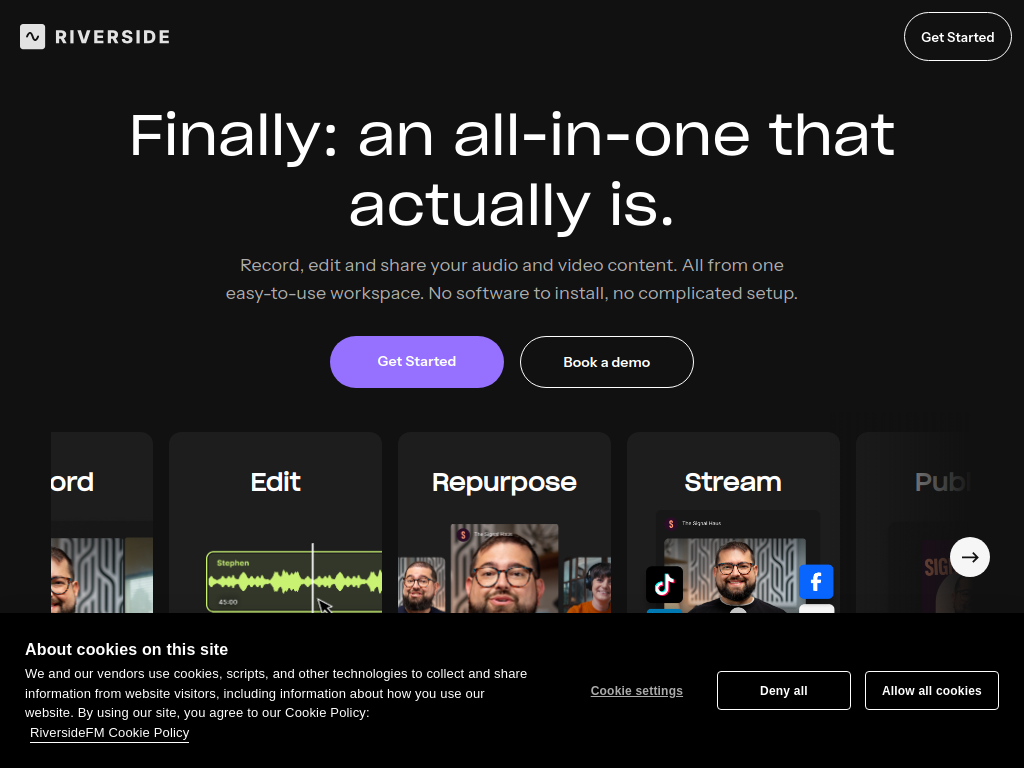
Riverside is an AI-powered recording and content creation platform built for businesses, creators and teams producing video and audio online.
Startups can use Riverside to record podcasts, interviews, webinars, customer stories, product content and remote conversations in studio-quality video and audio without needing a production setup. Recordings are captured locally, helping maintain quality even when an internet connection is unstable, with separate tracks available for each participant.
Riverside also includes AI-powered editing tools that can generate transcripts, remove filler words, create social clips, produce show notes and help turn one recording into multiple pieces of content. Teams can edit recordings using the transcript, add branding, publish podcasts and livestream to multiple platforms.
For founders building a content engine, running webinars or recording remotely with guests, Riverside brings recording, editing and repurposing into one platform, helping smaller teams produce professional content faster and get more value from every conversation they record.
-
 1
1
Recommended Comments
Join the conversation
You can post now and register later. If you have an account, sign in now to post with your account.
Note: Your post will require moderator approval before it will be visible.