


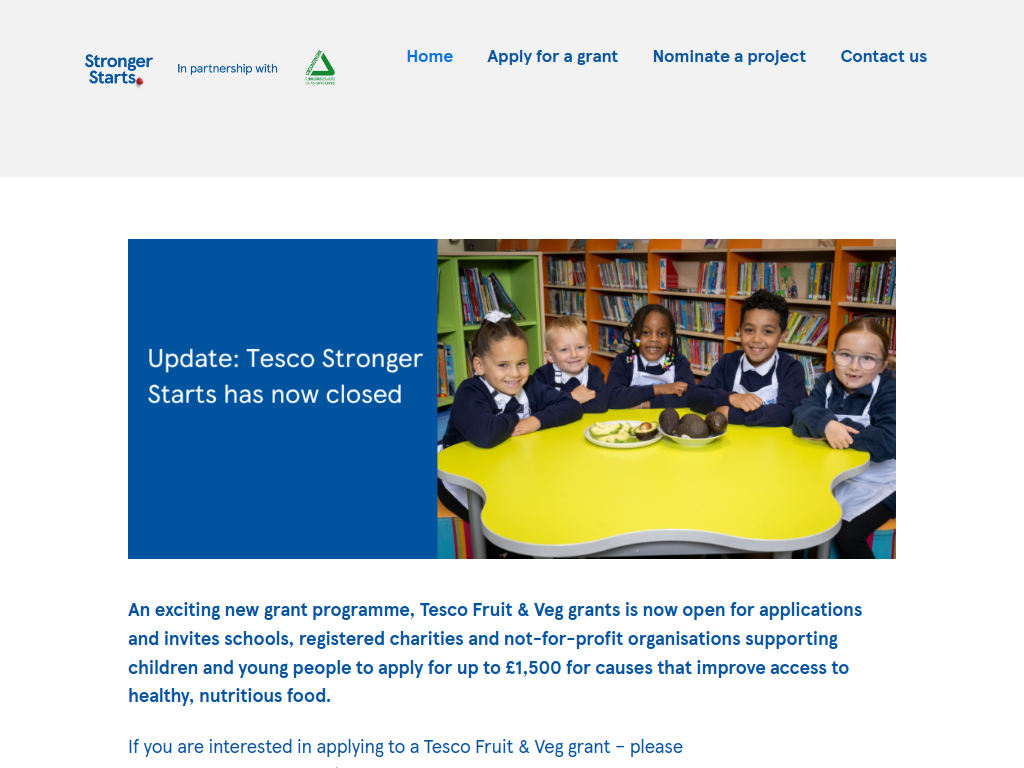

Tesco, working with community charity Groundwork UK, is offering grants of up to £1,500 to schools, registered charities and not-for-profit organisations helping children and young people access healthy, nutritious food.
The Tesco Fruit & Veg Grants Programme, which replaces Tesco Stronger Starts, supports local projects providing fruit, vegetables, healthy meals and opportunities for children to learn about nutrition.
From breakfast clubs and school food initiatives to community gardening, cooking workshops and holiday food programmes, the funding aims to help children develop healthier eating habits while reducing barriers to nutritious food.
Applications are currently open on a rolling basis.
Here's what you can expect:
Grants of up to £1,500 per project
Funding available across the United Kingdom
Support for schools, charities and community organisations
Funding for breakfast and after-school clubs
Support for healthy snacks and nutritious meals
Funding for cooking and gardening initiatives
Support for holiday food programmes
Grants covering up to 100% of eligible project costs
Community voting through participating Tesco stores
No fixed national application deadline
What projects can be funded?
1. School Breakfast and After-School Clubs
Projects providing fruit, vegetables and nutritious food to children during school activities.
2. Holiday Food Programmes
Initiatives helping children access healthy meals and snacks during school holidays, particularly where families experience food insecurity.
3. Community Gardening and Food Growing
Projects teaching children how to grow fruit and vegetables through school gardens, allotments and community growing activities.
4. Cooking and Nutrition Education
Workshops helping children and families learn how to prepare affordable, nutritious meals.
5. Youth and Sports Clubs
Community clubs and sports teams providing fruit, vegetables and healthy snacks alongside their activities.
6. SEND and Inclusive Activities
Projects supporting children and young people with special educational needs and disabilities through healthy food provision and inclusive food-related activities.
7. Community Food Support
Food banks and community organisations providing nutritious food to families with children.
Who can apply?
The programme welcomes applications from eligible UK organisations supporting children and young people.
These may include:
Schools and nurseries
Parent-teacher associations
Registered charities
Voluntary and community organisations
Youth clubs
Sports clubs and teams
Scouts, Guides and other uniformed youth groups
Eligible community interest companies
Other not-for-profit organisations
The programme is available across England, Scotland, Wales and Northern Ireland.
Key eligibility requirements
Projects should:
Benefit children or young people.
Improve access to healthy food, particularly fruit and vegetables.
Deliver a clear benefit to the local community.
Demonstrate how the funding will be spent.
Be delivered by an eligible organisation.
Meet the programme's funding and application requirements.
Priority is given to projects incorporating healthy food provision.
Who cannot apply?
The programme does not accept applications from:
Individuals
Profit-making businesses
Community interest companies limited by shares
Community interest companies limited by guarantee that have operated for less than two years
Other restrictions may apply under the official grant guidance.
What cannot be funded?
The programme excludes:
Activities that have already taken place
General organisational running costs and overheads
Political donations
Fundraising events or challenges
Conferences and seminars
Overseas appeals and travel
Religious or political promotion
Marketing activities
Research projects
Activities that statutory bodies are legally required to provide
How much funding is available?
Shortlisted projects participate in Tesco's customer voting programme.
Three local projects are selected for each voting round, with the final funding amount determined by customer votes.
First Place: Up to £1,500
Second Place: Up to £1,000
Third Place: Up to £500
All three shortlisted projects receive funding.
Maximum Grant: £1,500
Funding Type: Community project grant
Match Funding: Not required
Geographic Eligibility: United Kingdom
Application Deadline: Rolling
How does the application process work?
Step 1 – Review the Guidance
Read Tesco's grant guidance and check that the proposed project supports children's access to healthy food.
Step 2 – Find a Local Tesco Store
Use Tesco's store locator to identify the relevant store for the project.
Step 3 – Prepare the Application
Explain:
What the project will deliver
Which children and young people will benefit
How the funding will improve access to nutritious food
What the grant will pay for
How the project will benefit the local community
Step 4 – Submit the Application
Complete the online application through the official Tesco Fruit & Veg Grants programme.
Step 5 – Shortlisting
Applications are assessed, and Tesco colleagues help select projects for local customer voting.
Step 6 – Customer Voting
Three shortlisted projects are featured in participating Tesco stores.
Customers use blue tokens to vote for their preferred local cause.
Step 7 – Funding Award
Each shortlisted project receives a grant based on its voting position.
Funding information
Funder: Tesco
Delivery Partner: Groundwork UK
Programme: Tesco Fruit & Veg Grants
Funding Amount: Up to £1,500
Grant Awards: £500, £1,000 or £1,500
Funding Type: Community grant
Geographic Eligibility: United Kingdom
Eligible Applicants: Schools, charities and eligible not-for-profit organisations
Priority Area: Children's healthy eating and access to fruit and vegetables
Application Deadline: Rolling