_db33a8.png)


.thumb.png.9594b08ba898a6b0d0fa1576ea2c9574.thumb.png.3097220ace298f0faaab6884cd0ea0f5.png)
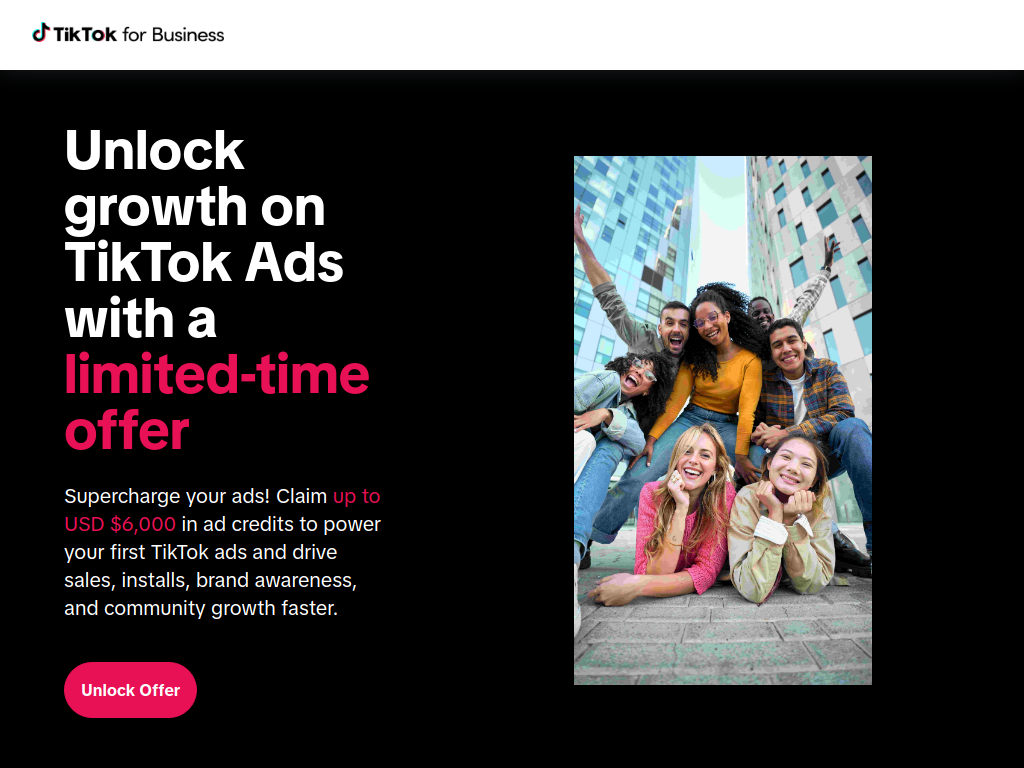
Want to boost your brand visibility and drive more sales on TikTok without breaking the bank? We’ve got you covered! Startup Networks has partnered with TikTok Ads to give you an exclusive free ad spend reward when you launch new campaigns.
🔗 Claim Your Free TikTok Ad Credit
🚀 Here’s how it works:
✔ Spend $30, Get $20 Free 💰
✔ Spend $100, Get $100 Free 🔥
That means more exposure, more engagement, and more conversions—without extra cost!
Why Advertise on TikTok? 📢
TikTok isn’t just for viral dances—it’s one of the most powerful ad platforms for startups and businesses looking to reach millions of engaged users worldwide.
✔ Massive Reach – Over 1 billion active users globally.
✔ Highly Engaged Audience – Users spend over 52 minutes per day on the platform.
✔ Low-Cost Ads – TikTok’s algorithm is designed to boost engaging content organically.
✔ Supercharged Growth – Perfect for brand awareness, lead generation, and direct sales.
✔ Advanced Targeting – Reach the right audience with smart AI-driven ad delivery.
💡 Pro Tip: TikTok Ads are cheaper and more effective than Facebook or Instagram in many industries—especially for startups!
How to Claim Your Free TikTok Ad Spend 🎟️
It’s quick and easy to get started with this TikTok ad credit offer:
1️⃣ Click the link below to access the exclusive offer:
🔗 Claim Your Free TikTok Ad Credit
2️⃣ Sign up for a new TikTok Ads account or log in to your existing one.
3️⃣ Launch a new campaign and apply the reward:
✅ Spend $30, get $20 free
✅ Spend $100, get $100 free
4️⃣ Start running your ads and watch your brand grow on TikTok! 🚀
💡 Limited-time offer—once it’s gone, it’s gone!
Recommended Comments
Join the conversation
You can post now and register later. If you have an account, sign in now to post with your account.
Note: Your post will require moderator approval before it will be visible.